Free
Pattern unlock
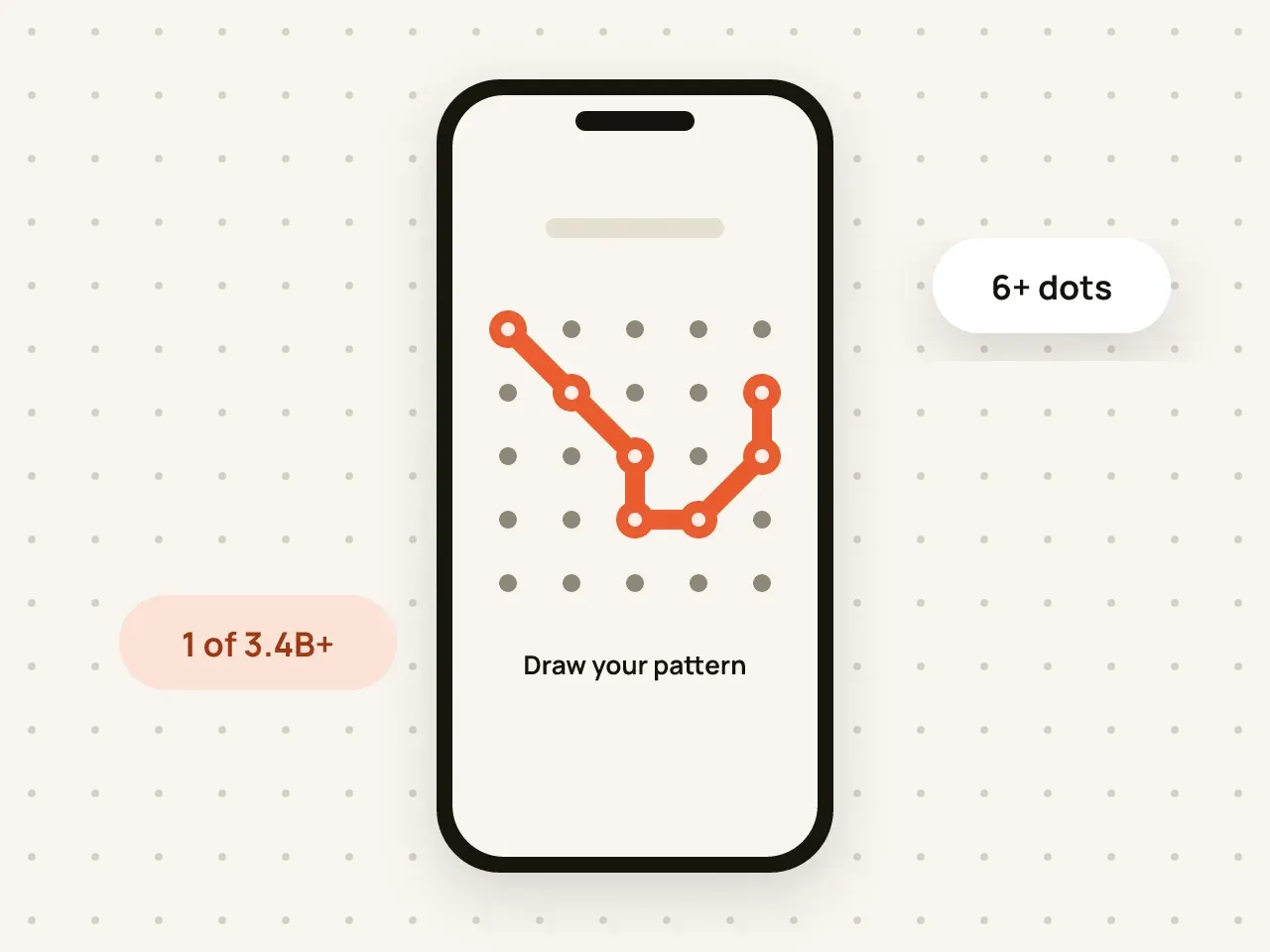
Draw at least 6 dots on a 5×5 grid, with at least one change of direction.
Hidegrid is an encrypted vault for your photos, videos and documents. Draw your pattern to open it. Everything is encrypted on your device, and there is no account to create.
Free to start: 3 vaults, each with 100 photos and 10 videos.
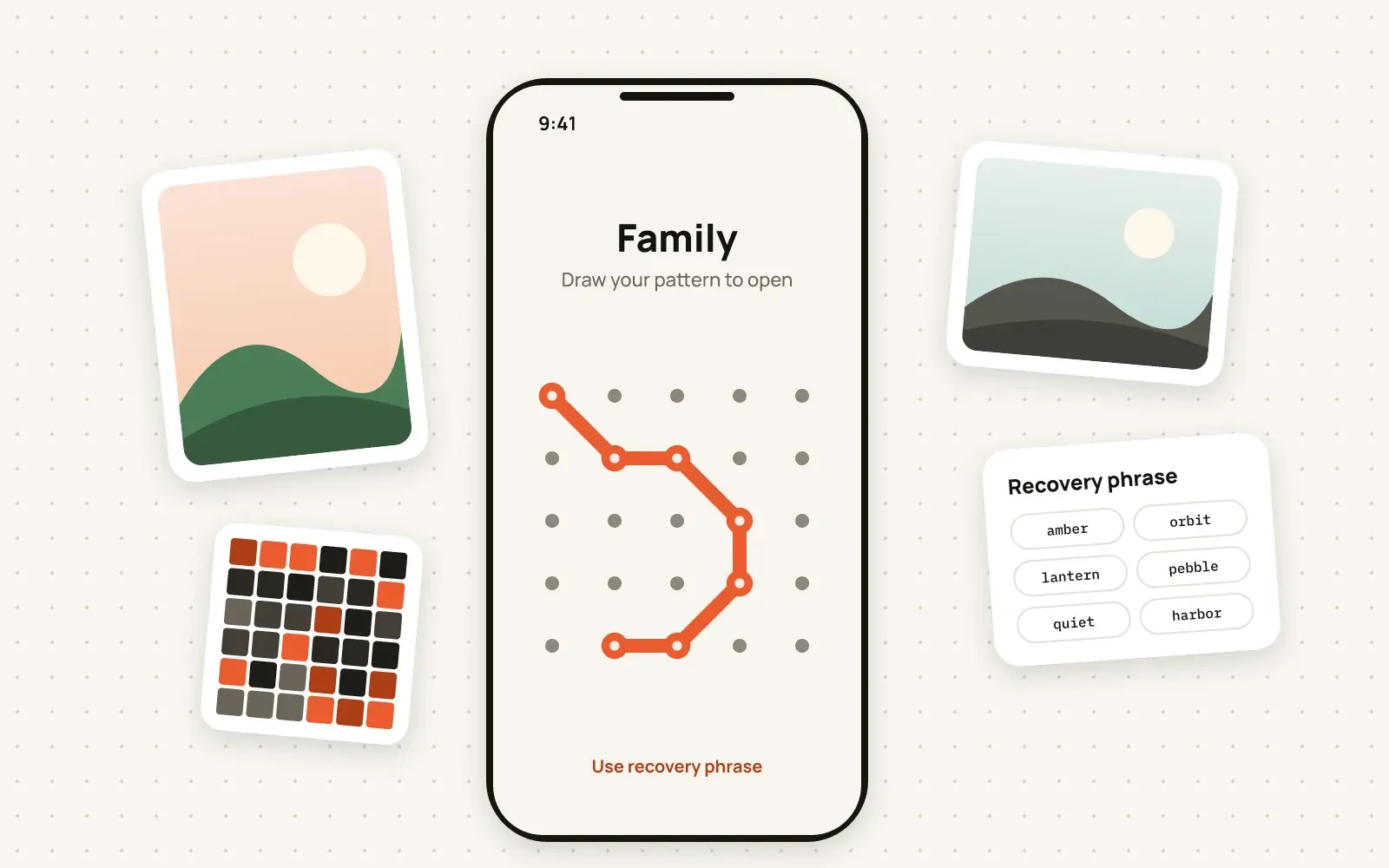
Hidegrid is an iOS app that keeps private photos, videos and files in encrypted vaults. You unlock a vault by drawing a pattern on a 5×5 grid. The pattern is turned into an encryption key on your device, and files and their names are encrypted with AES-256-GCM. There is no sign-up and no Hidegrid server that holds your files.
You create a pattern on a 5×5 grid when you set up a vault.
Hidegrid runs your pattern through PBKDF2 with 600,000 iterations to make a 256-bit key. The pattern itself is never stored.
Each photo, video and file, plus its name and details, is encrypted with AES-256-GCM before it is saved.
The pattern you draw is not just a lock screen. It is used to derive the key that decrypts your vault. Without the pattern or your recovery phrase, the files cannot be read.
Photos, videos, files, file names and folder names are encrypted before they are written to storage. Backups to iCloud stay encrypted with your key.
You do not give us an email address or a phone number. Hidegrid works offline and has no ads.
Draw at least 6 dots on a 5×5 grid, with at least one change of direction.
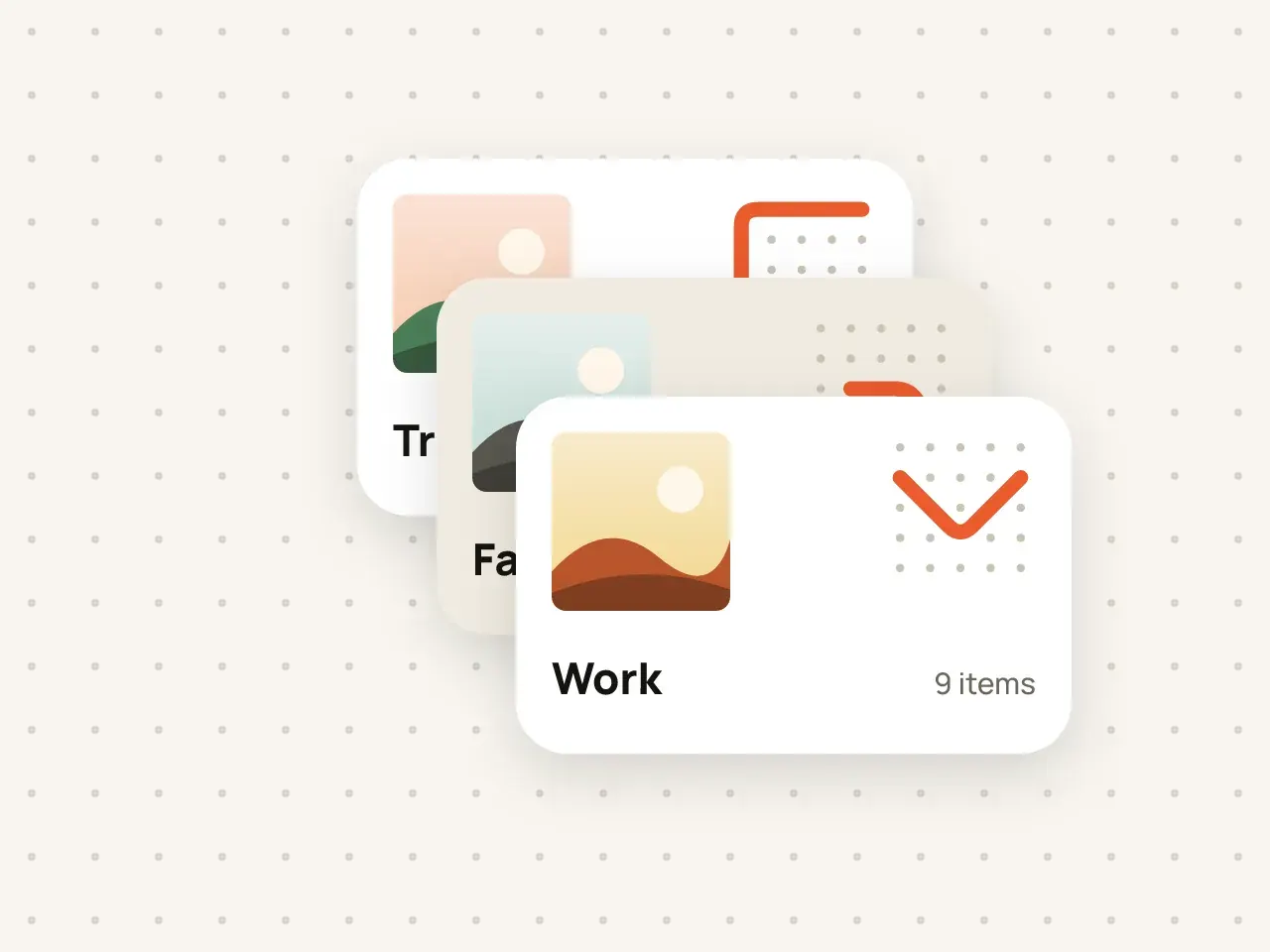
Keep separate vaults for separate parts of your life, each with its own pattern.
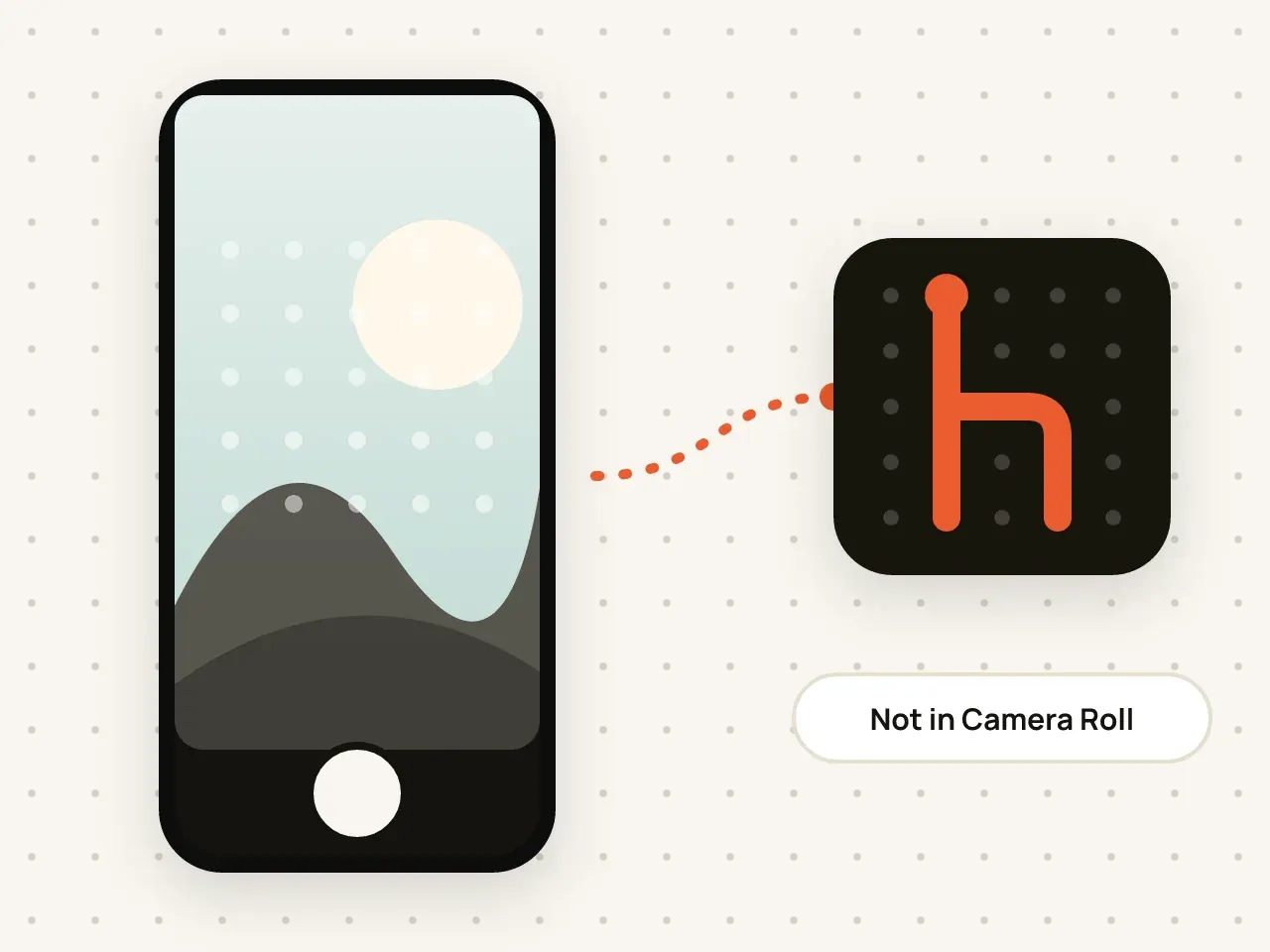
Take photos and videos straight into a vault. Nothing is saved to your Camera Roll.
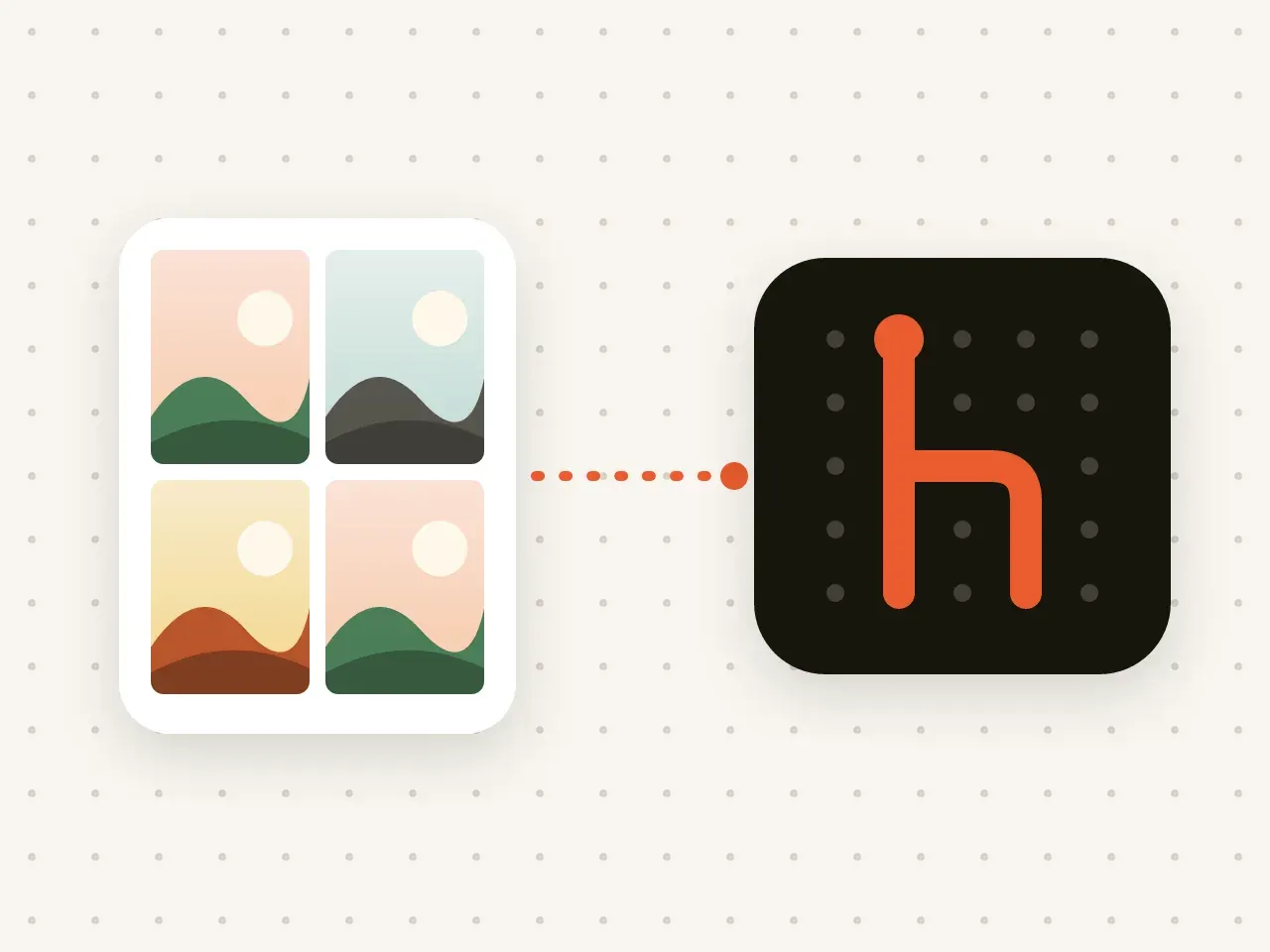
Move pictures, videos, PDFs and other files into a vault in a few taps.

Organise with nested folders and find items fast with search inside the unlocked vault.
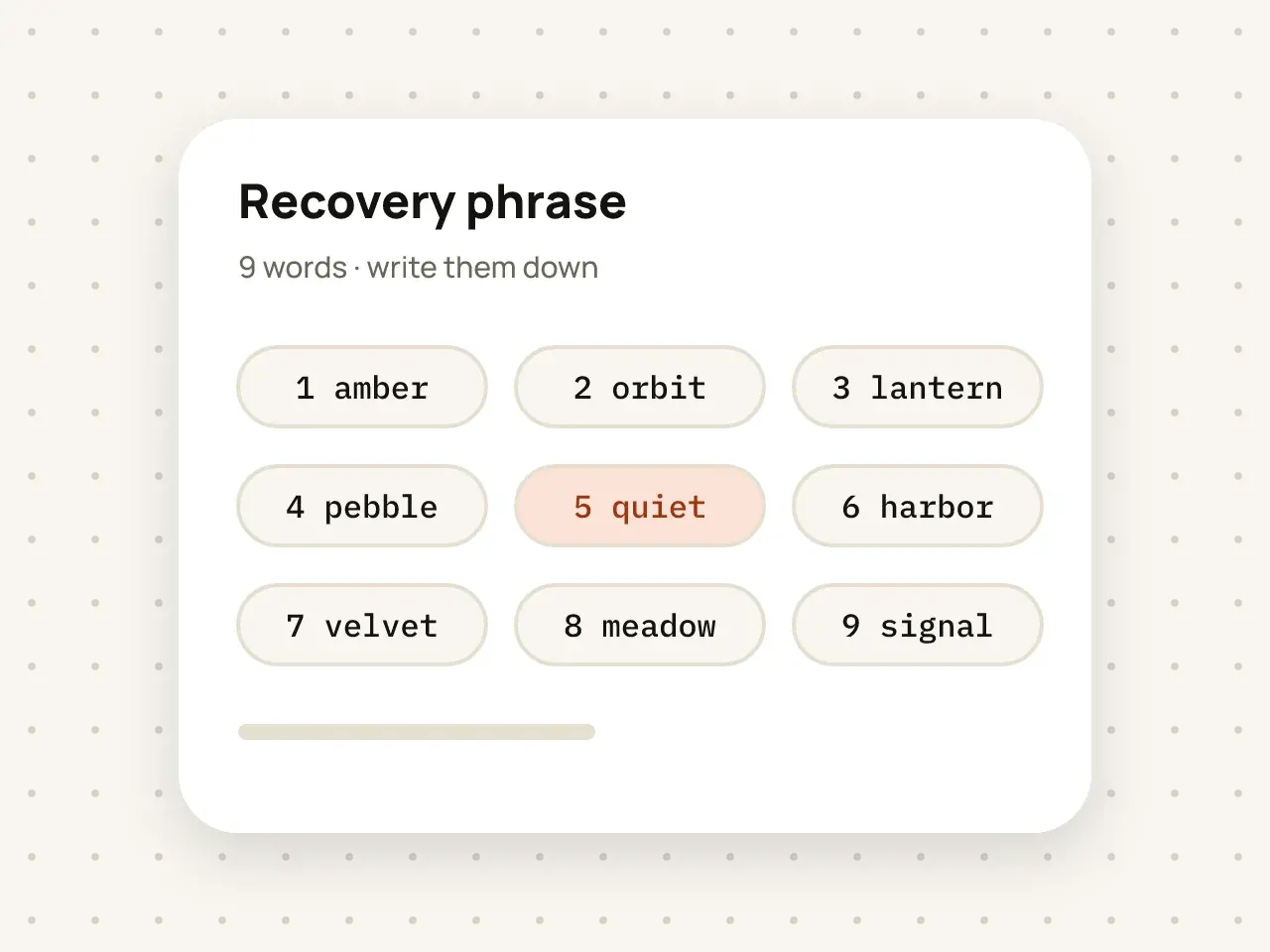
Nine words that let you get back into a vault if you forget the pattern.
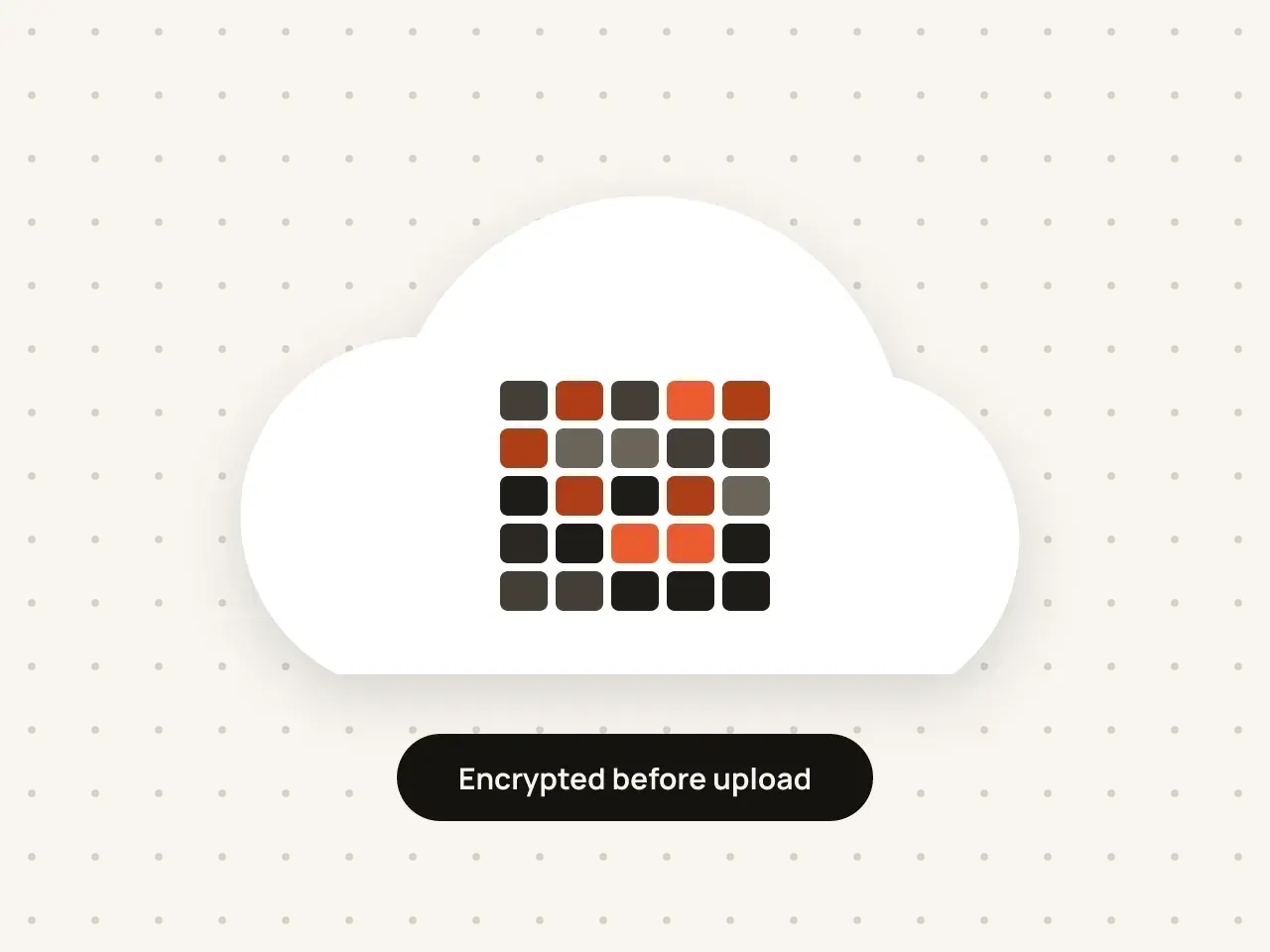
Back up a vault to your own iCloud. Apple stores only encrypted data.
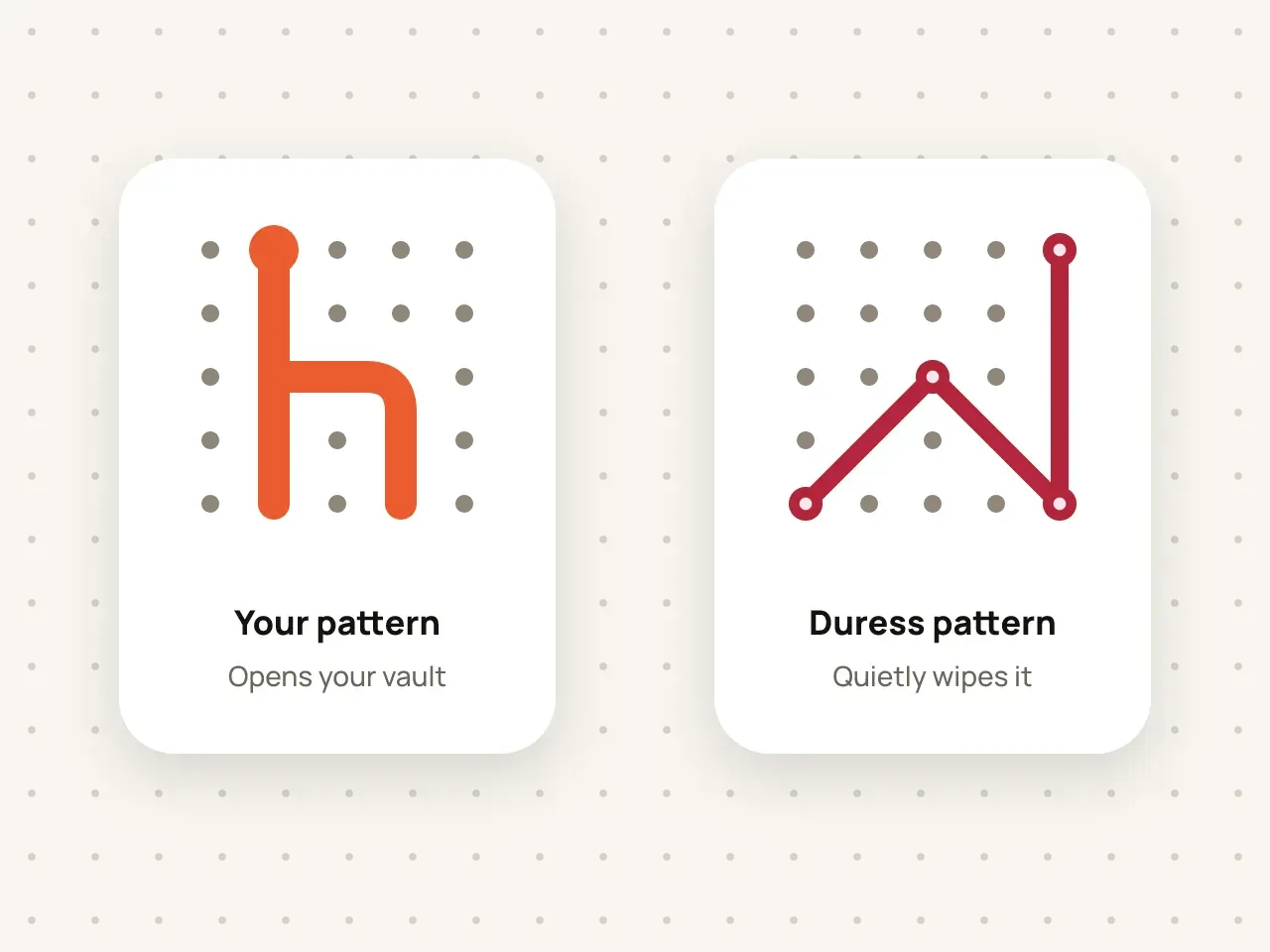
A second pattern that silently erases a vault if you are forced to open it.
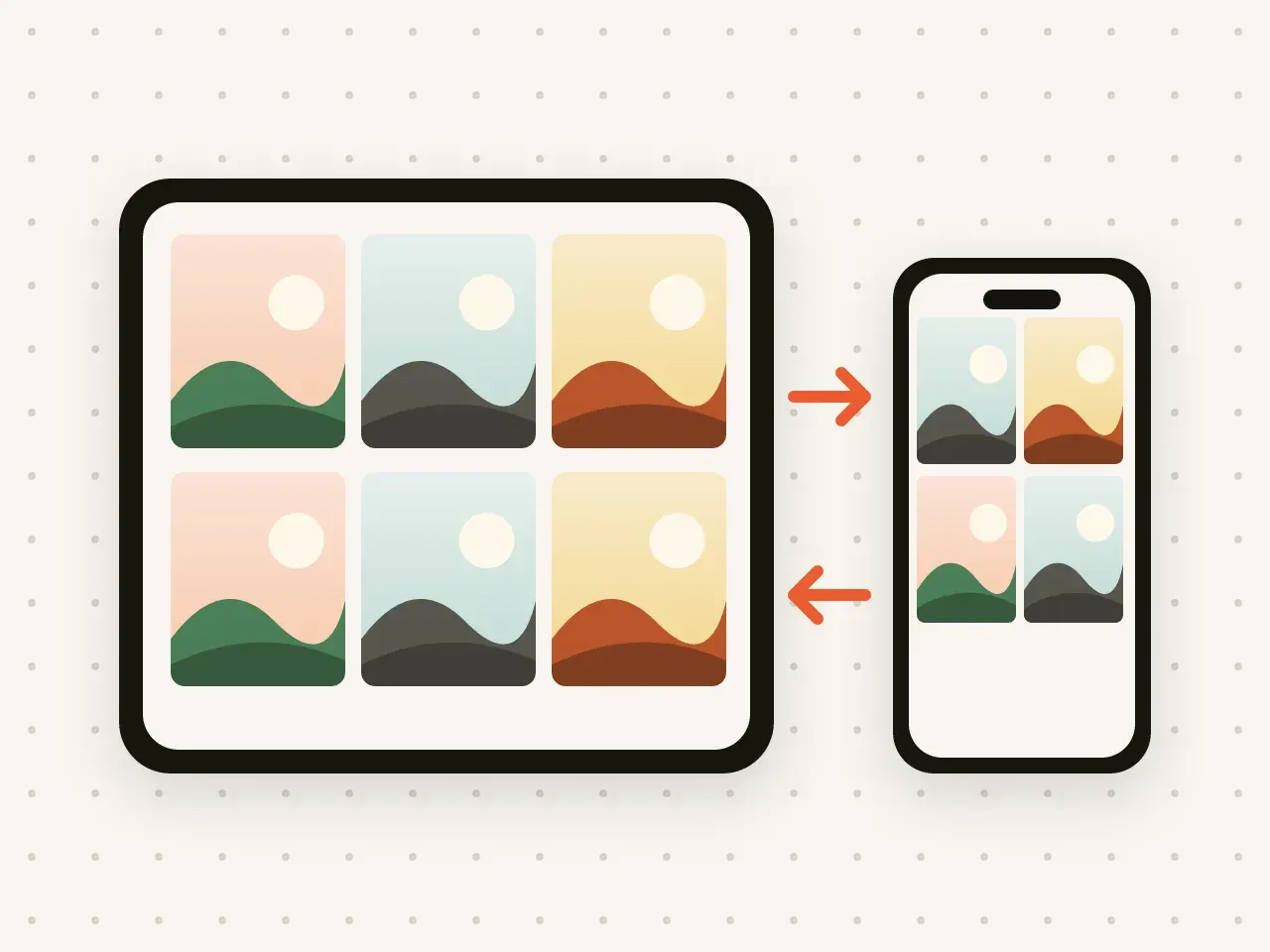
Keep the same vaults on your iPhone and iPad.
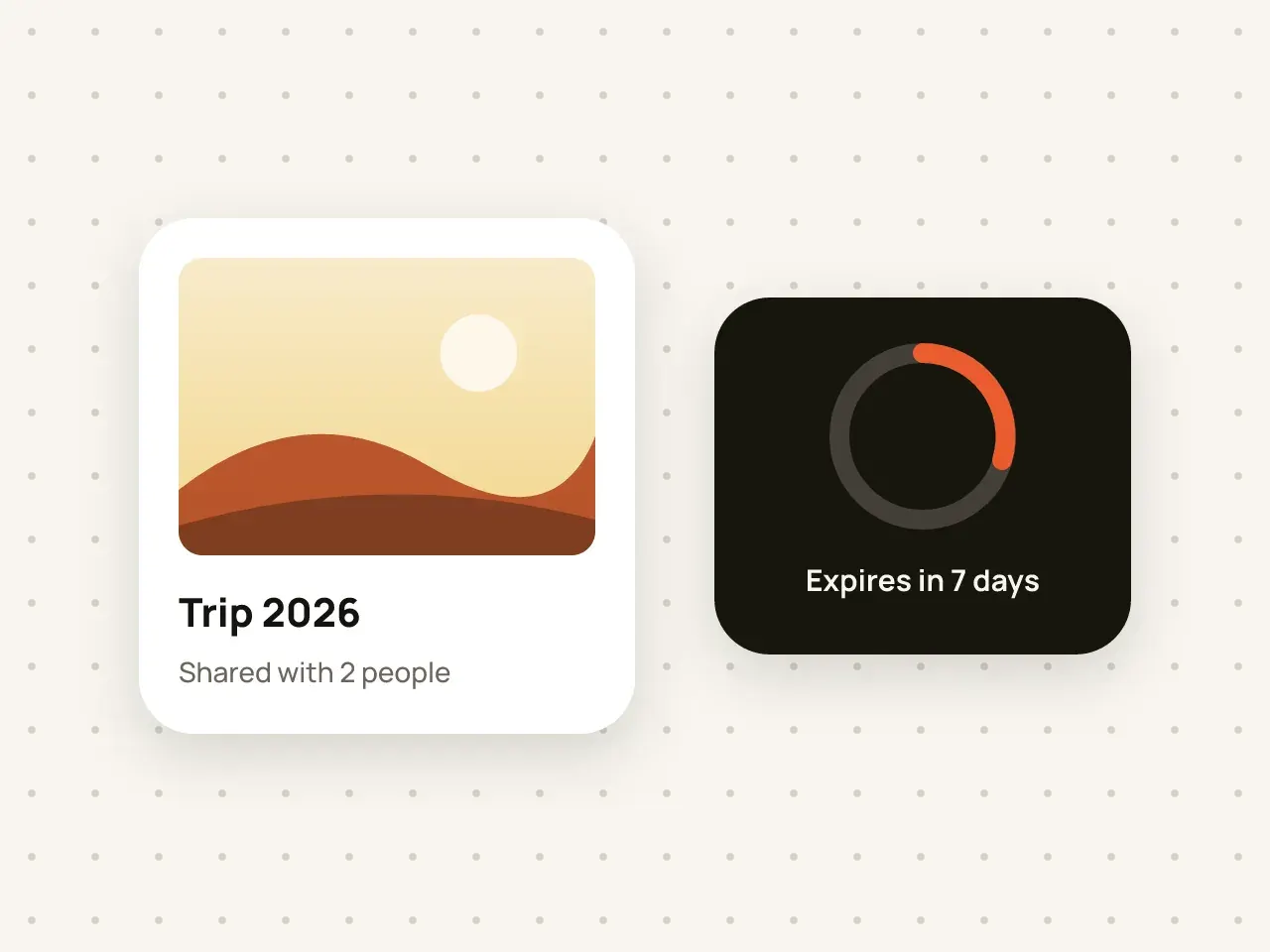
Share a vault with someone you trust and choose when access ends.
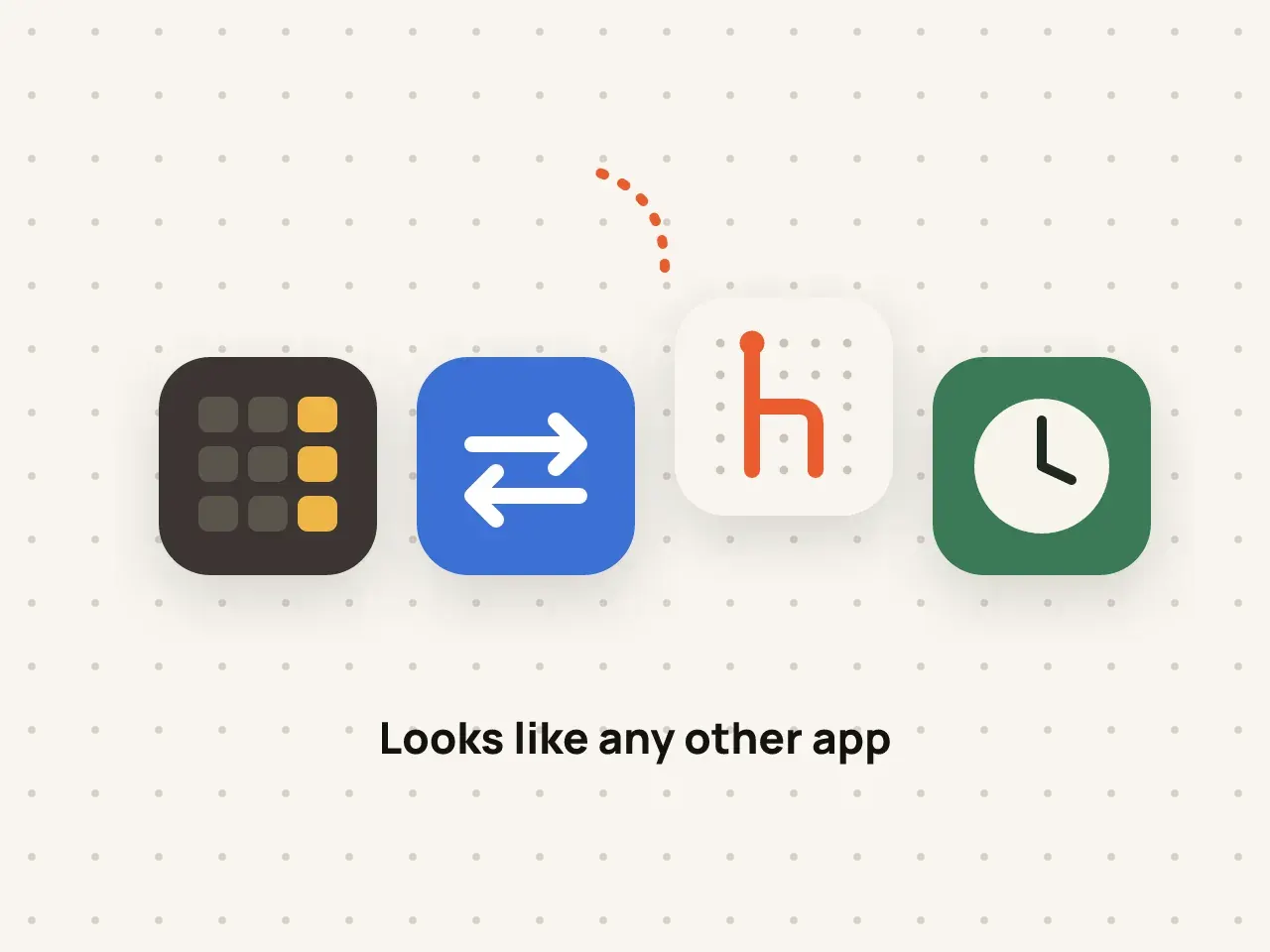
Swap the Hidegrid icon for a neutral one on your Home Screen.
3 vaults with 100 photos and 10 videos in each, unlimited other files, plus pattern unlock, secure camera, recovery phrase and encrypted iCloud backup.
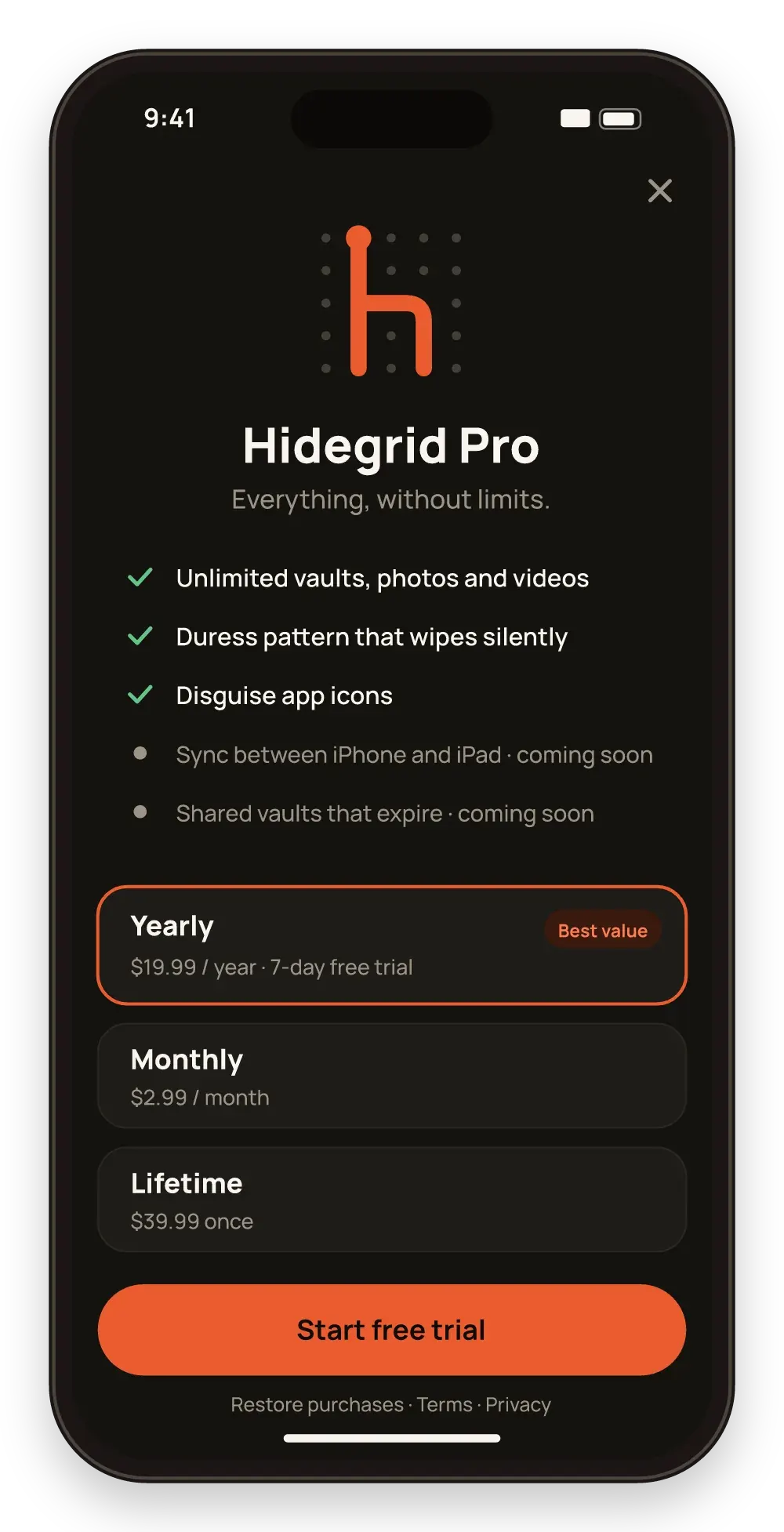
Unlimited items, duress pattern and disguise icons. iPhone and iPad sync and shared vaults are coming in a free update.
Clear, side-by-side comparisons with other vault apps and with the hidden folders built into iOS and Android.
| Feature | Hidegrid | the iPhone Hidden album | Keepsafe | Private Photo Vault |
|---|---|---|---|---|
| How you unlock | Pattern on a 5×5 grid | Face ID, Touch ID or device passcode | PIN; Face ID or Touch ID | PIN, password or pattern; Face ID |
| Encryption details published | Yes: AES-256-GCM, key from PBKDF2 with 600,000 iterations | iCloud Photos is end-to-end encrypted only with Advanced Data Protection on | Says "military-grade encryption"; algorithm not named | Says "AES encrypted"; cloud files encrypted before upload |
| Account needed | No | Uses your Apple Account | Needed for Private Cloud | Not for on-device use; needed for Cloud Vault |
Yes. The free plan includes 3 vaults, each holding up to 100 photos and 10 videos, and other files are unlimited. Pro removes the limits and adds the duress pattern and disguise icons. Sync and shared vaults come to Pro in a free update.
No. Hidegrid does not ask for an email, phone number or sign-in. Your vaults live on your device and, if you turn it on, in your own iCloud.
Use the nine-word recovery phrase you saved when you created the vault. Without the pattern or the phrase, nobody, including us, can open the vault.
Yes. Hidegrid runs on iPhone and iPad. Keeping your vaults in sync between them comes to Pro in a free update.
Download Hidegrid and set up your first vault in under a minute.
Coming soon to the App StoreFree to start. No account needed.