Free
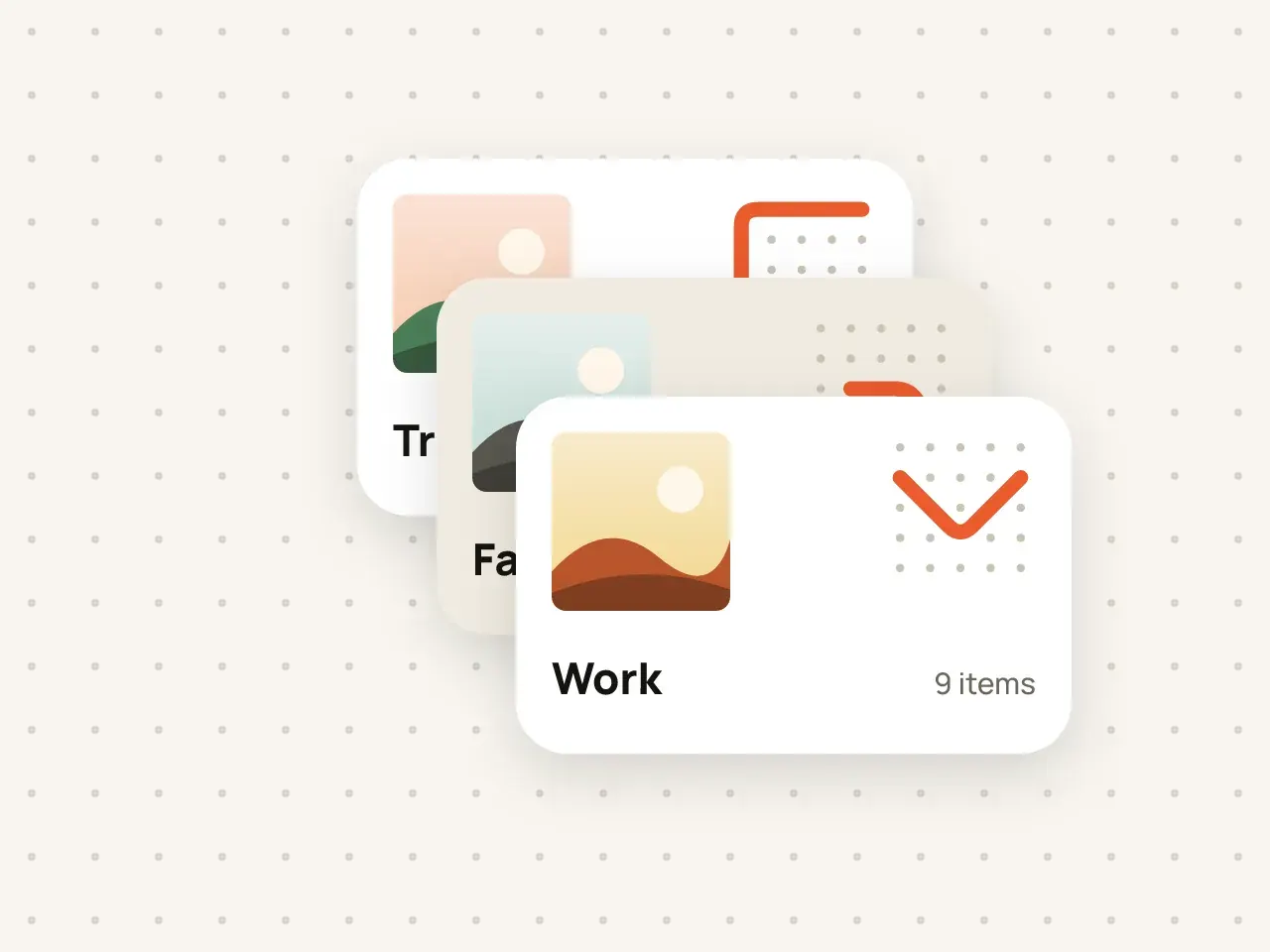
Multiple vaults
Keep work documents, family photos and personal files apart. Every vault has its own pattern and its own encryption key.
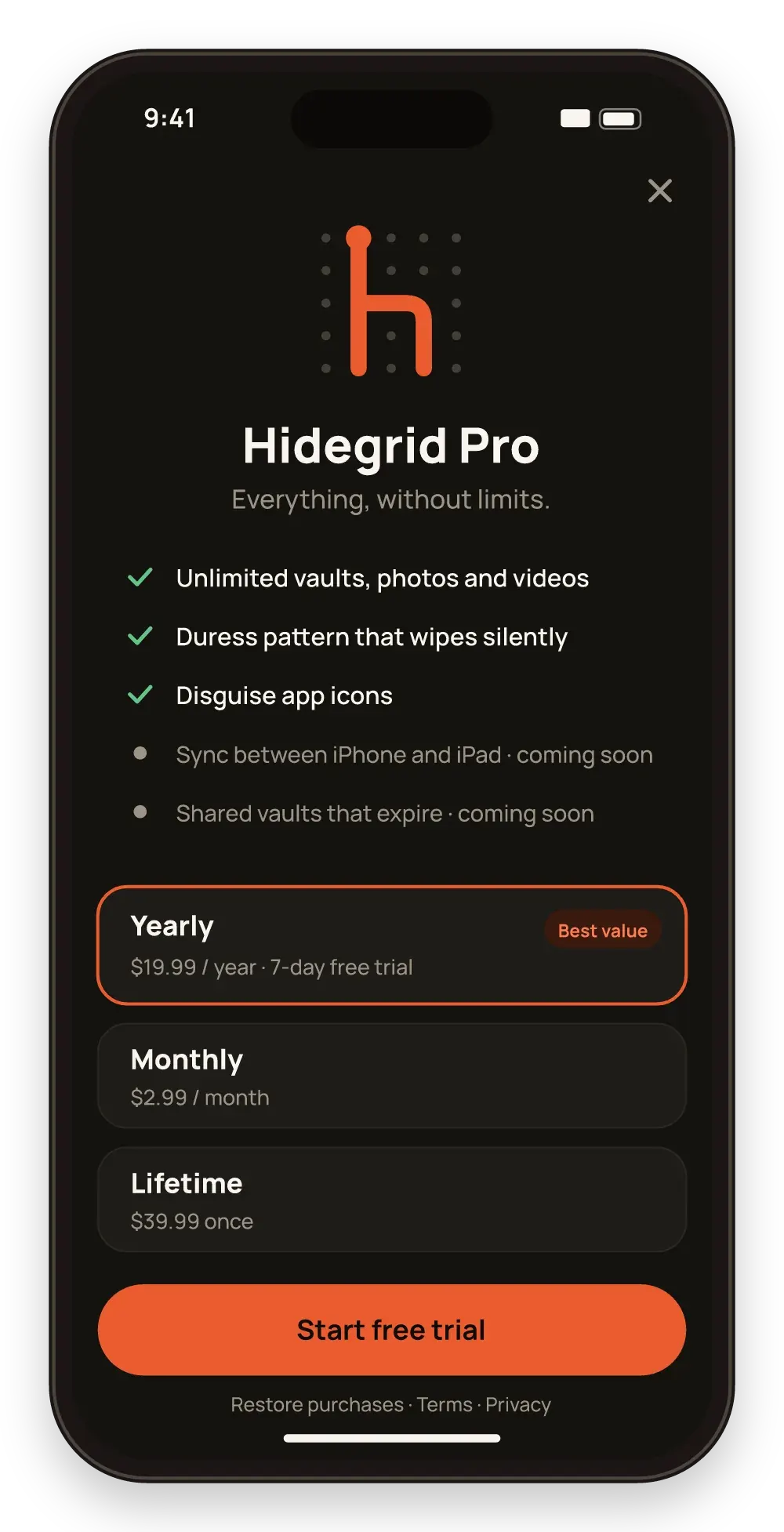
Pro removes the free plan limits. Keep as many vaults, photos, videos and files as your storage allows.
Free to start. No account needed.
The free plan of Hidegrid includes 3 vaults, each with up to 100 photos and 10 videos. Hidegrid Pro removes these limits, so you can store as many items as your device storage, and your iCloud storage for backups, can hold.
Tap Upgrade in settings.
Pick the option that suits you.
Limits are lifted on all your vaults straight away.
Move years of photos in, not just a few.
No cap on the number of videos.
Unlimited items come with the duress pattern and disguise icons. Sync and shared vaults follow in a free update.
Storage is limited only by free space on your device and, for backups, your iCloud plan.
Your items stay encrypted and readable. You cannot add more until you are under the free limits again.
No. Only photos and videos count: up to 100 photos and 10 videos in each vault. Other files and folders are not limited.
Large files are limited only by your available device storage.
Keep work documents, family photos and personal files apart. Every vault has its own pattern and its own encryption key.
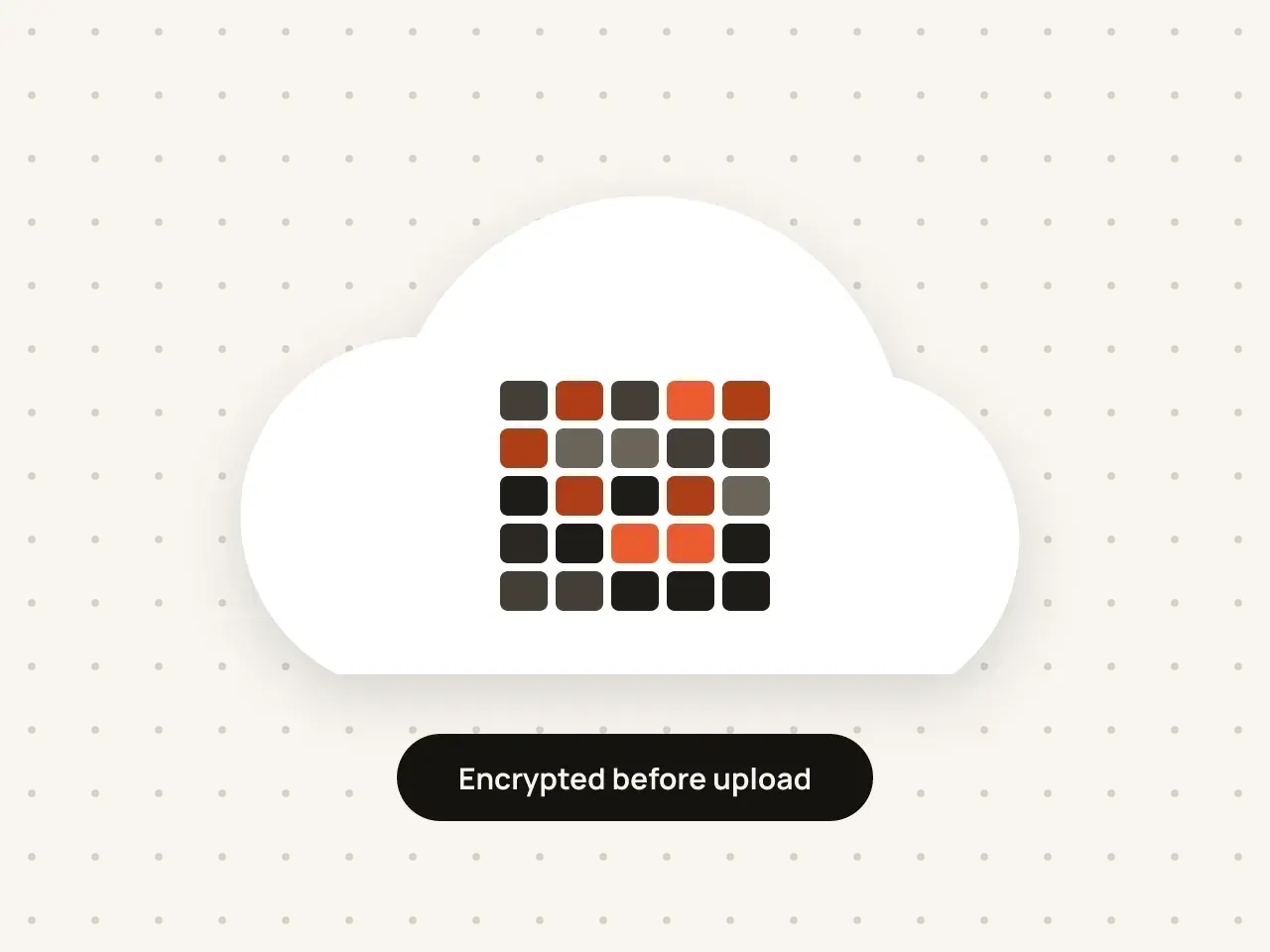
Keep a backup of your vaults in your own iCloud. Everything is encrypted on your device before it is uploaded.
Download Hidegrid and set up your first vault in under a minute.
Coming soon to the App StoreFree to start. No account needed.