Free
Secure camera
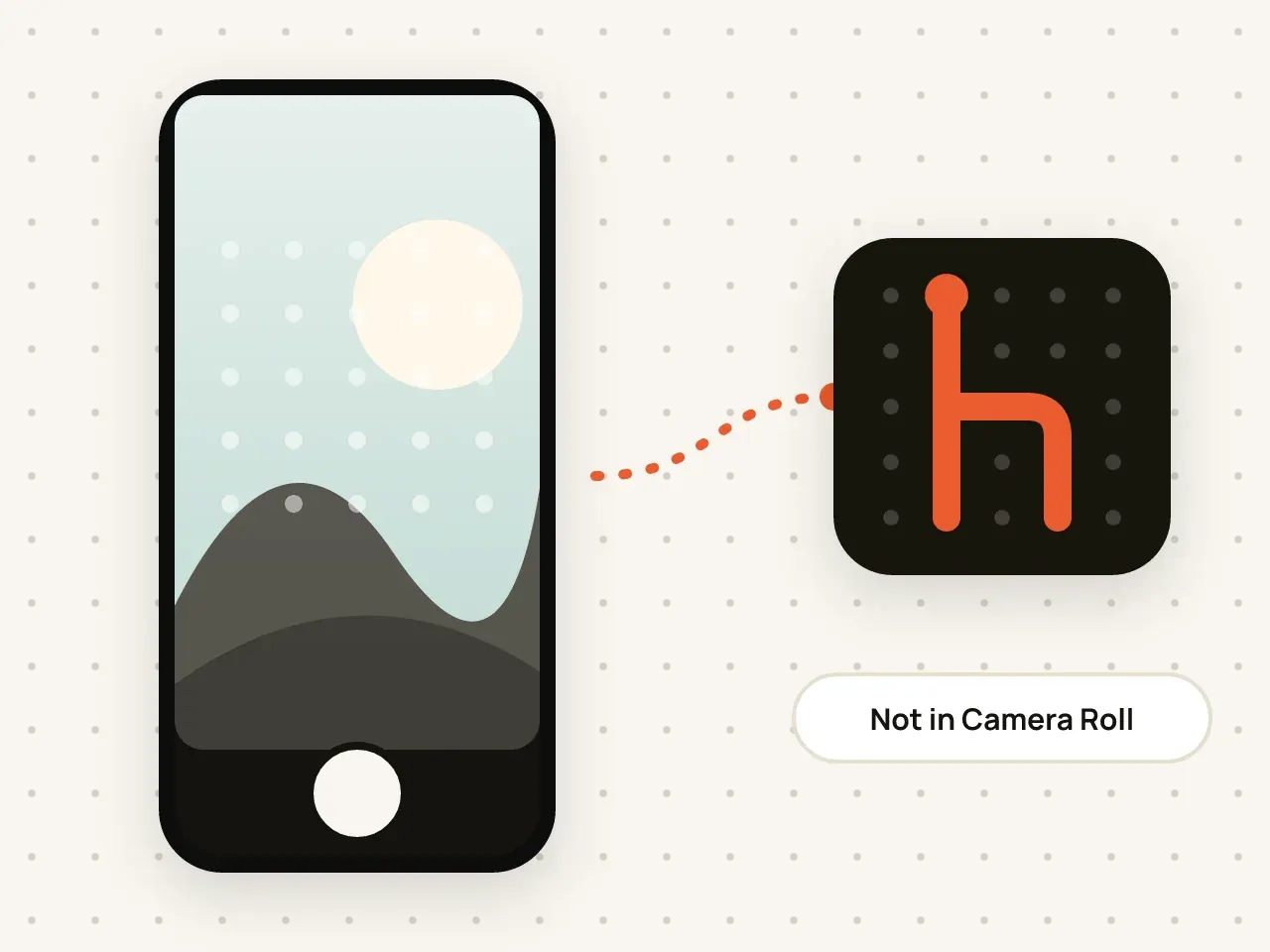
Take photos and videos inside Hidegrid. They are encrypted straight into your vault and never appear in the Photos app.
Bring photos, videos, PDFs and other files into Hidegrid. They are encrypted on your device as they are imported.
Free to start. No account needed.
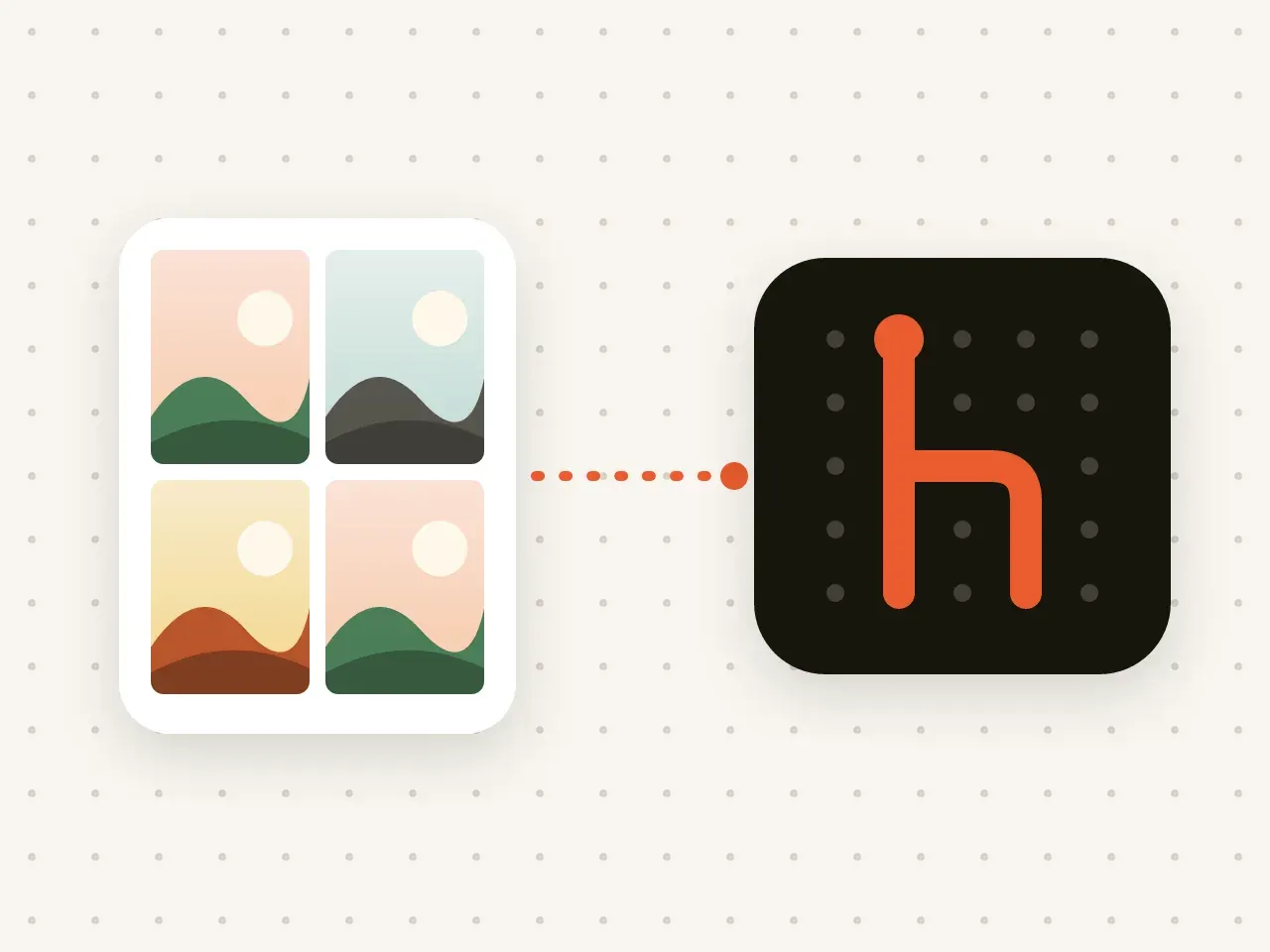
Hidegrid can import photos and videos from the Photos app and any file from the Files app, including PDFs and documents. Items are encrypted on your device during import. After importing from Photos, Hidegrid can offer to delete the originals so they no longer show in your library.
Inside an open vault, choose Photos or Files.
Pick one item or many at once.
Choose whether to delete the originals from Photos. iOS asks you to confirm.
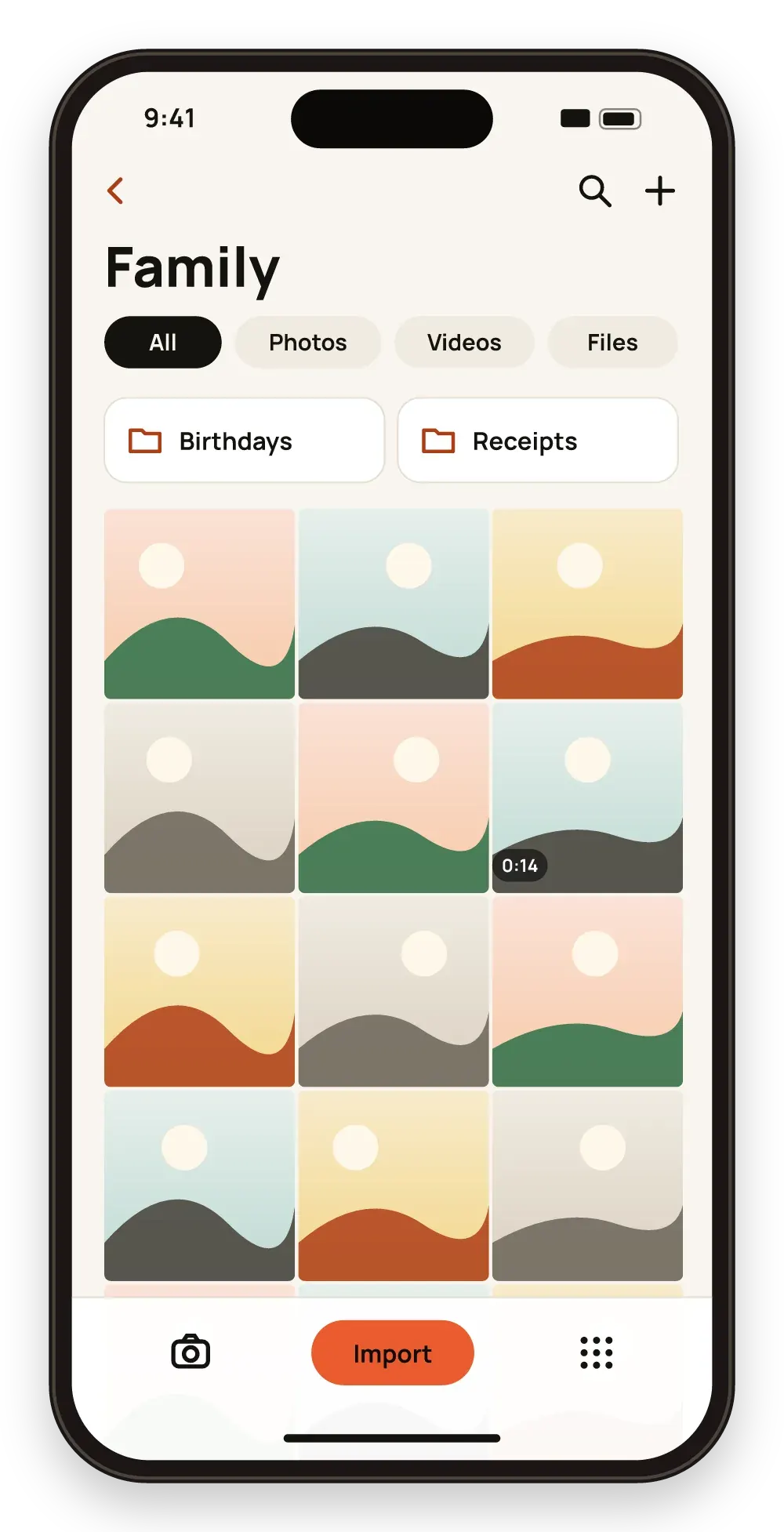
Move existing pictures in, not only new ones.
Keep scans, IDs, PDFs and notes next to your photos.
Nothing is stored in the vault unencrypted, even for a moment on disk.
When you delete photos from the Photos app, iOS keeps them in Recently Deleted for up to 30 days. Empty that album too if you want them gone from your library.
Yes. Select all the items in the album in the picker and import them together.
No. Hidegrid stores the original file.
Yes. Use the Share button in another app and choose Hidegrid, or save to Files first and import from there.
Take photos and videos inside Hidegrid. They are encrypted straight into your vault and never appear in the Photos app.

Create folders inside folders and search by name. Names and details are encrypted just like the files.
Download Hidegrid and set up your first vault in under a minute.
Coming soon to the App StoreFree to start. No account needed.