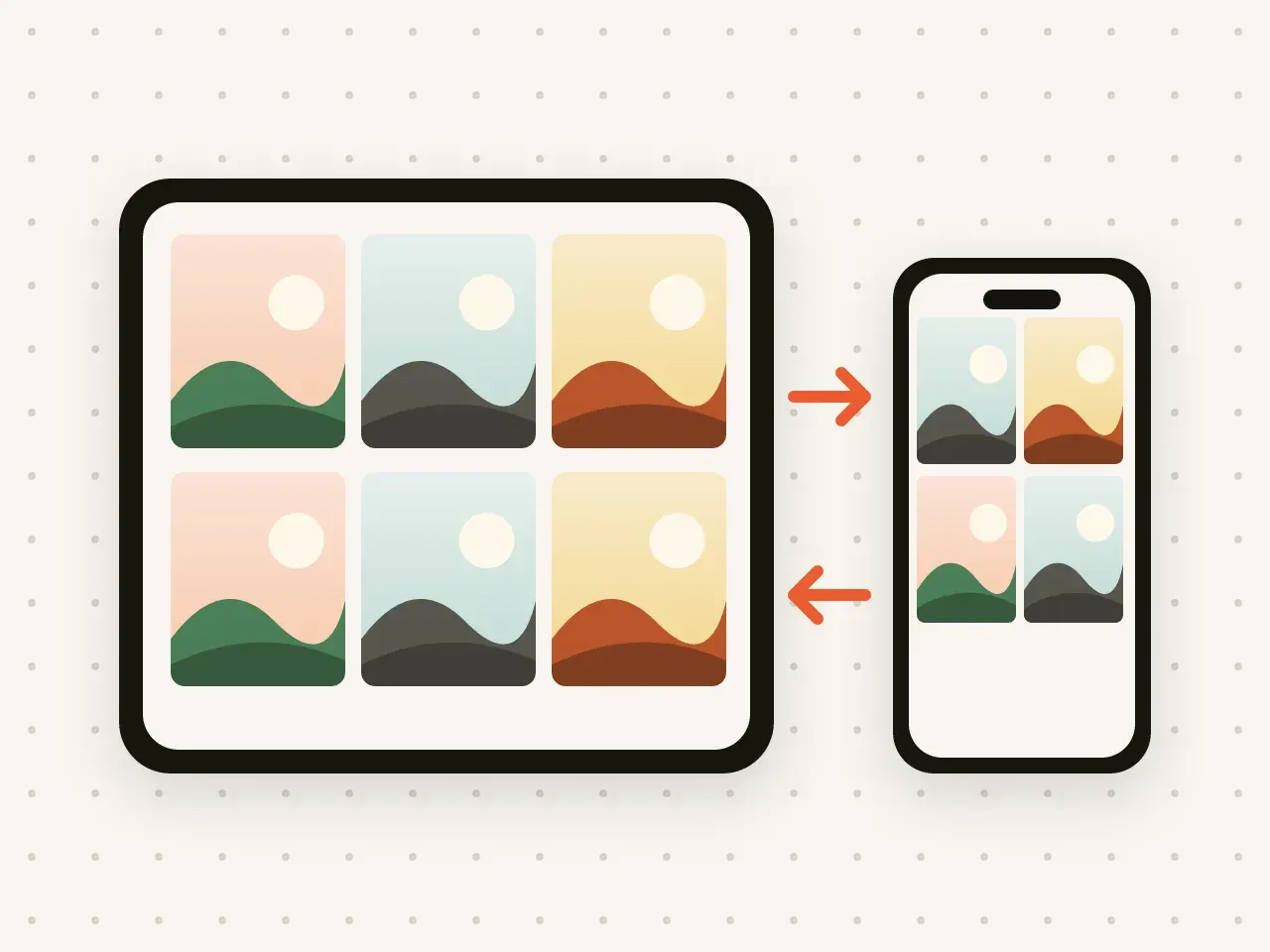
Pro Coming in a free update
iPhone and iPad sync
Add a photo on your iPhone and see it on your iPad. Your vaults stay the same on both, and stay encrypted.
Keep a backup of your vaults in your own iCloud. Everything is encrypted on your device before it is uploaded.
Free to start. No account needed.
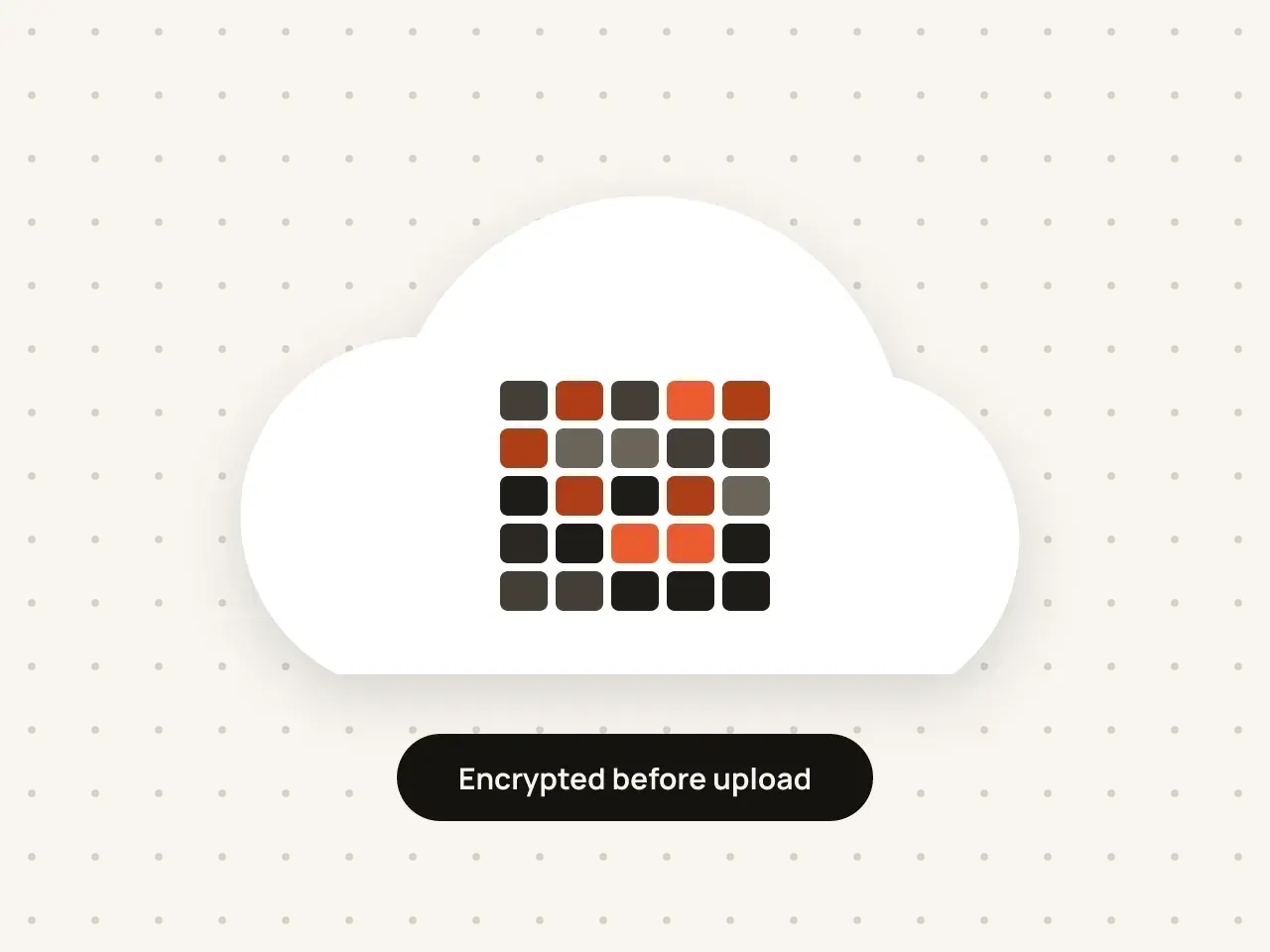
Hidegrid can back up your vaults to your own iCloud account. Files and their details are encrypted on your device with your vault key before upload, so the copy in iCloud is unreadable without your pattern or recovery phrase. You can restore the backup on a new iPhone or iPad.
Hidegrid uses the iCloud account already on your iPhone or iPad.
In vault settings, switch on iCloud backup.
On a new device, install Hidegrid, choose Restore, and draw your pattern.
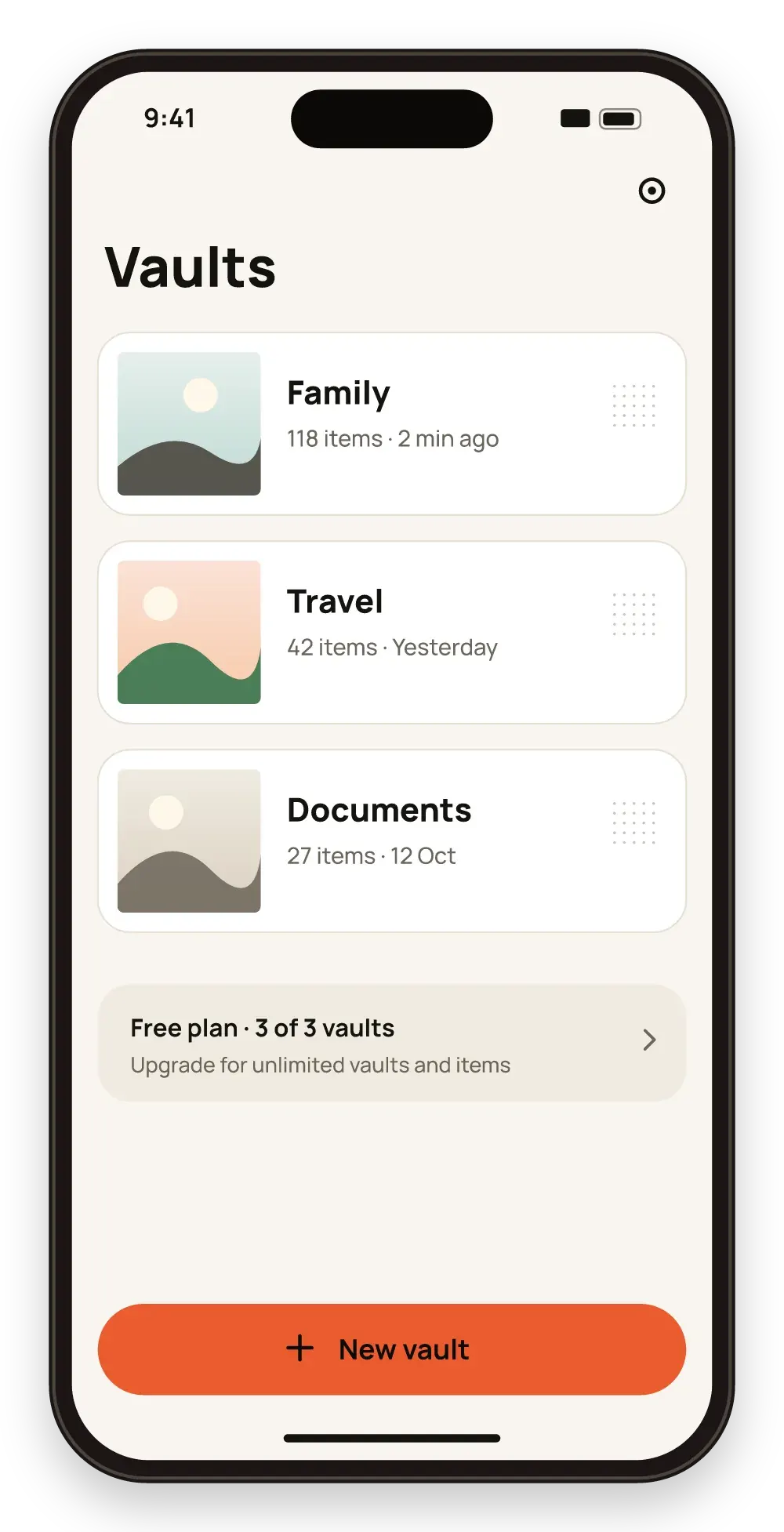
Your private photos are not tied to one device.
Apple stores the files, but the key never leaves your device.
Backups count towards your iCloud storage, not a new account.
Backups need free space in your iCloud storage. Your pattern or recovery phrase is still needed to read a restored vault.
The backup is encrypted with your vault key before upload. Apple can see that encrypted files exist and how large they are, but not their contents or names.
Yes.
No. Backup keeps a copy you can restore. Sync, coming to Pro in a free update, keeps vaults the same on your iPhone and iPad.
Add a photo on your iPhone and see it on your iPad. Your vaults stay the same on both, and stay encrypted.
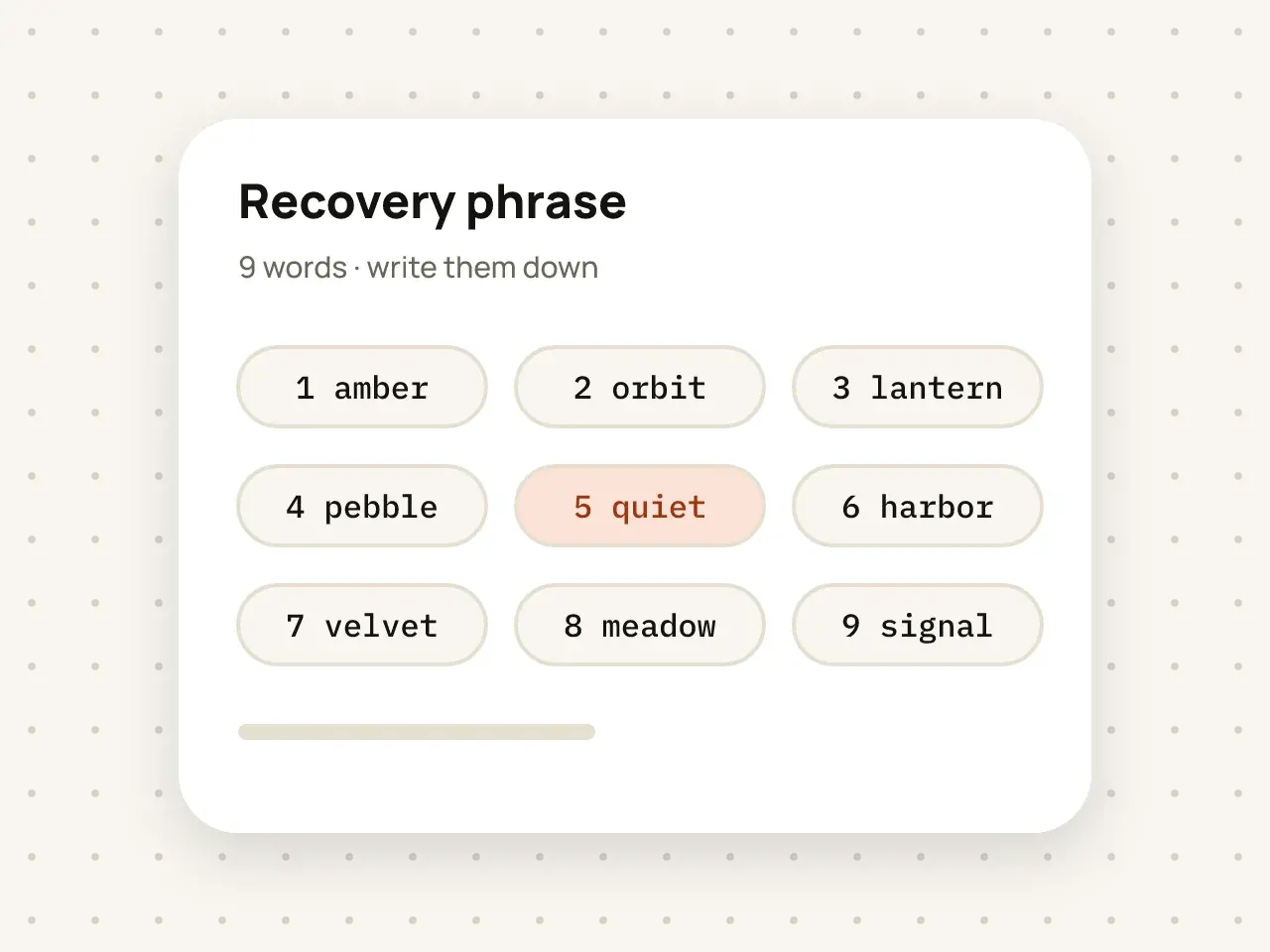
If you forget your pattern, nine words get you back into your vault. Write them down and keep them somewhere safe.
Download Hidegrid and set up your first vault in under a minute.
Coming soon to the App StoreFree to start. No account needed.