Free
Pattern unlock
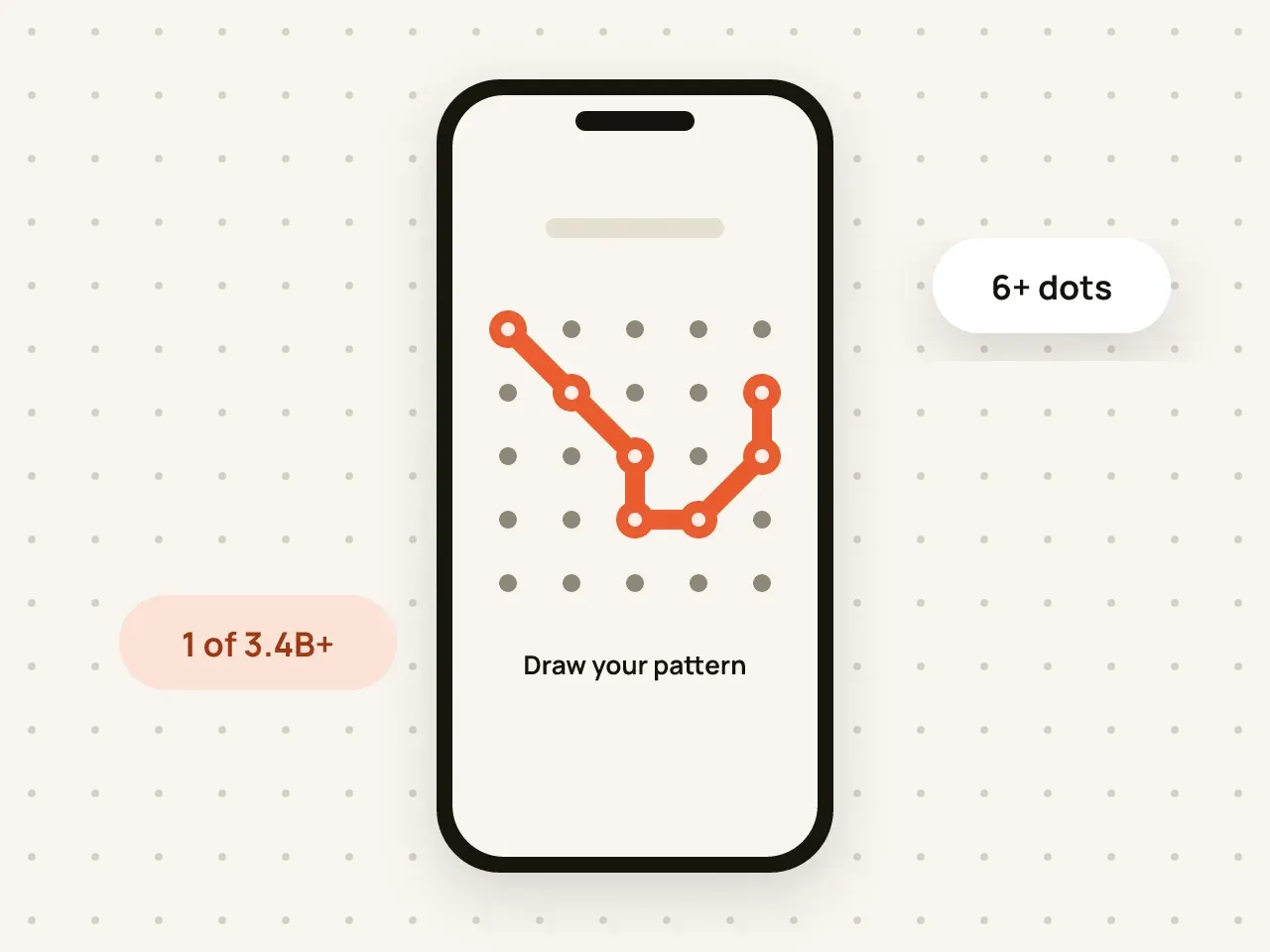
Draw a pattern on a 5×5 grid to open your vault. Your pattern is used to create the key that decrypts your files.
If you forget your pattern, nine words get you back into your vault. Write them down and keep them somewhere safe.
Free to start. No account needed.
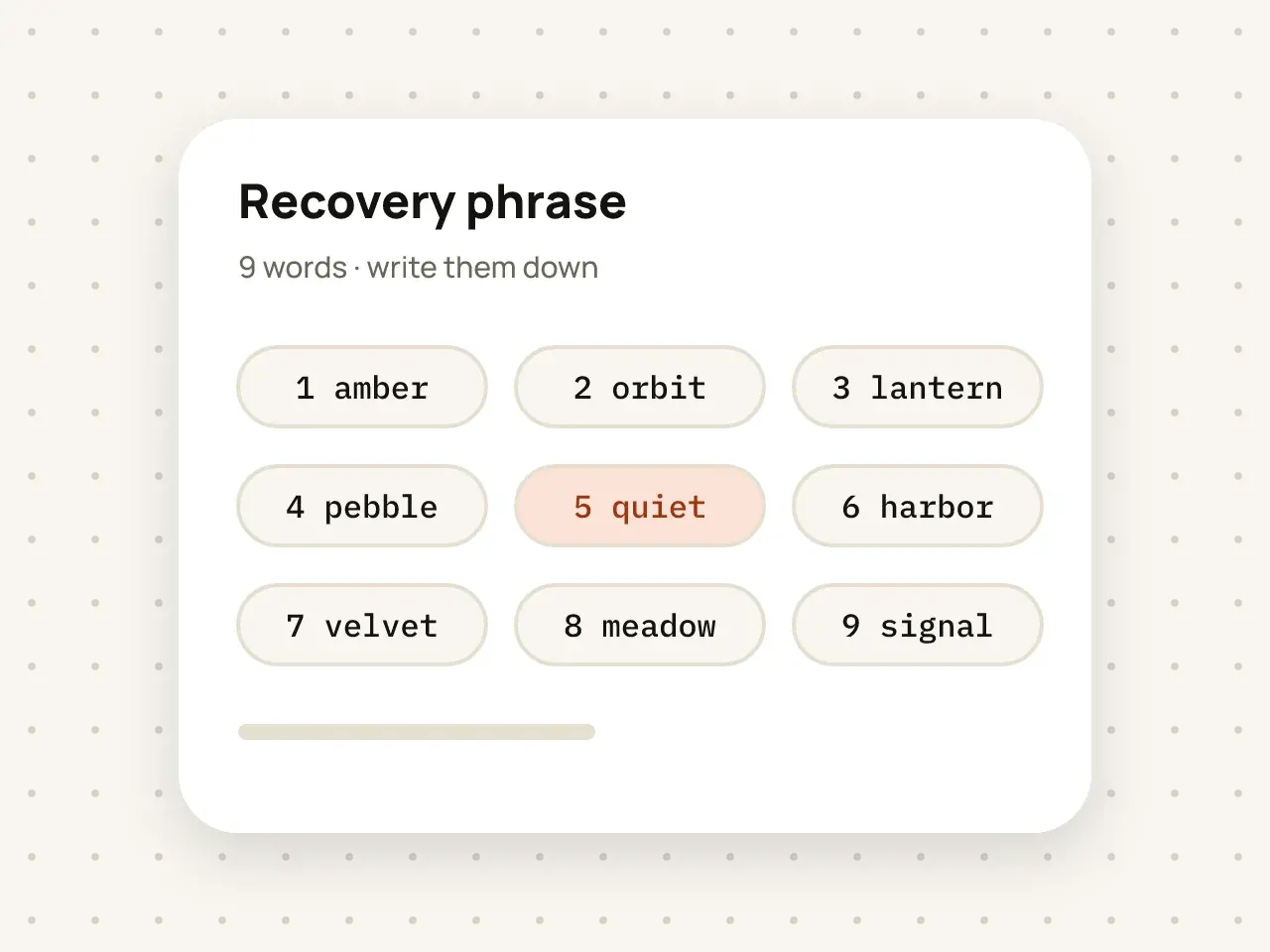
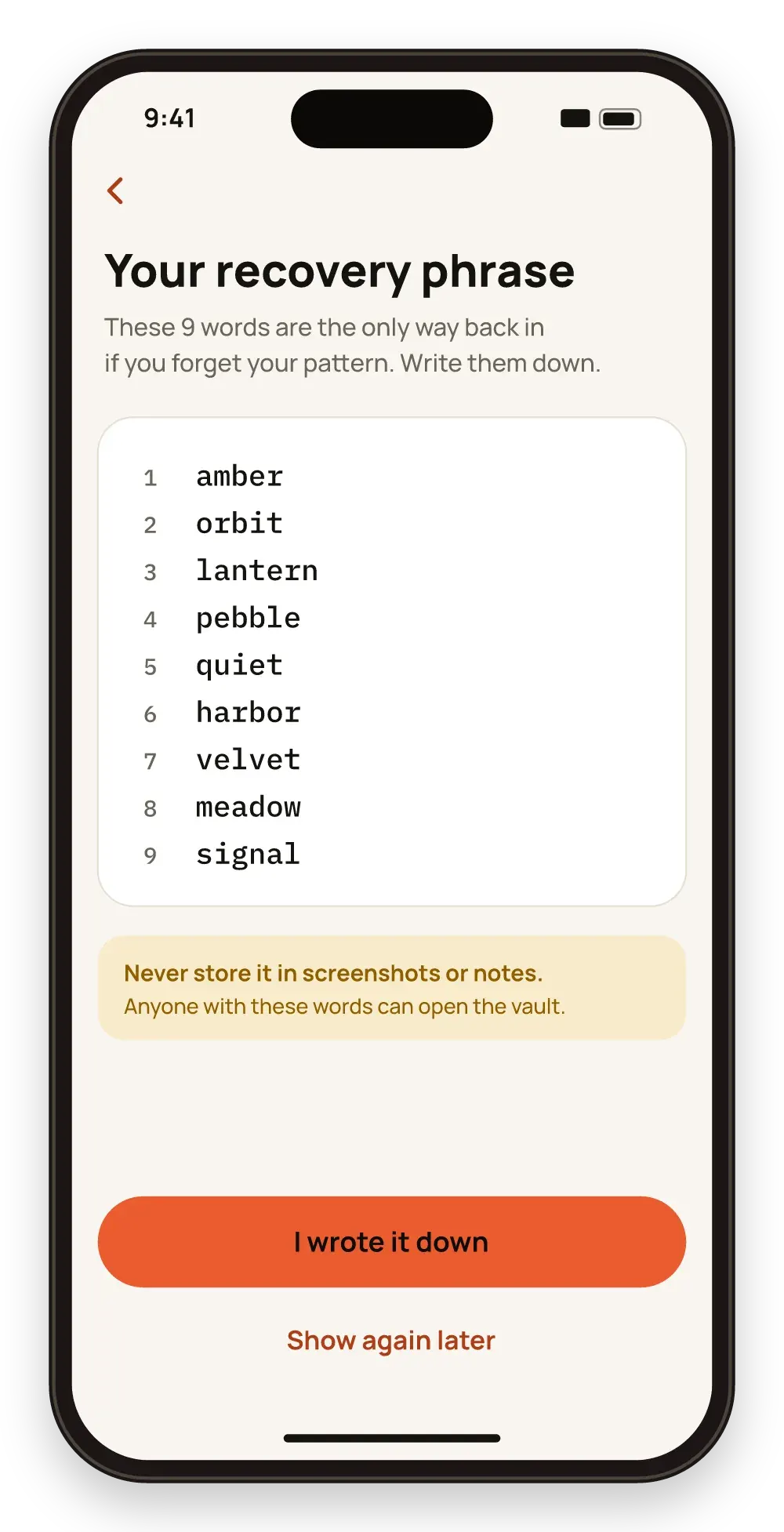
When you create a vault, Hidegrid shows a recovery phrase of nine words. If you forget the pattern, entering those nine words opens the vault so you can set a new pattern. Hidegrid does not keep a copy of the phrase, so if both the pattern and the phrase are lost, the vault cannot be recovered by anyone.
On the unlock screen, choose Forgot pattern.
Type the words in the right order.
Draw a new pattern. Your old pattern stops working.
You recover access yourself, at any time, even offline.
There is no account, and we never hold your keys, so only you have the way back in.
Nine words fit on a small card in a safe place.
Do not store the phrase in a screenshot, a note or an email. Anyone with the phrase can open the vault.
No. We do not have your pattern, your phrase or your key, so we cannot open or reset a vault.
No. The phrase is shown only once. While the vault is open, you can create a new phrase in vault settings. The old phrase then stops working.
No. Each vault has its own phrase.
Draw a pattern on a 5×5 grid to open your vault. Your pattern is used to create the key that decrypts your files.
Download Hidegrid and set up your first vault in under a minute.
Coming soon to the App StoreFree to start. No account needed.