Free
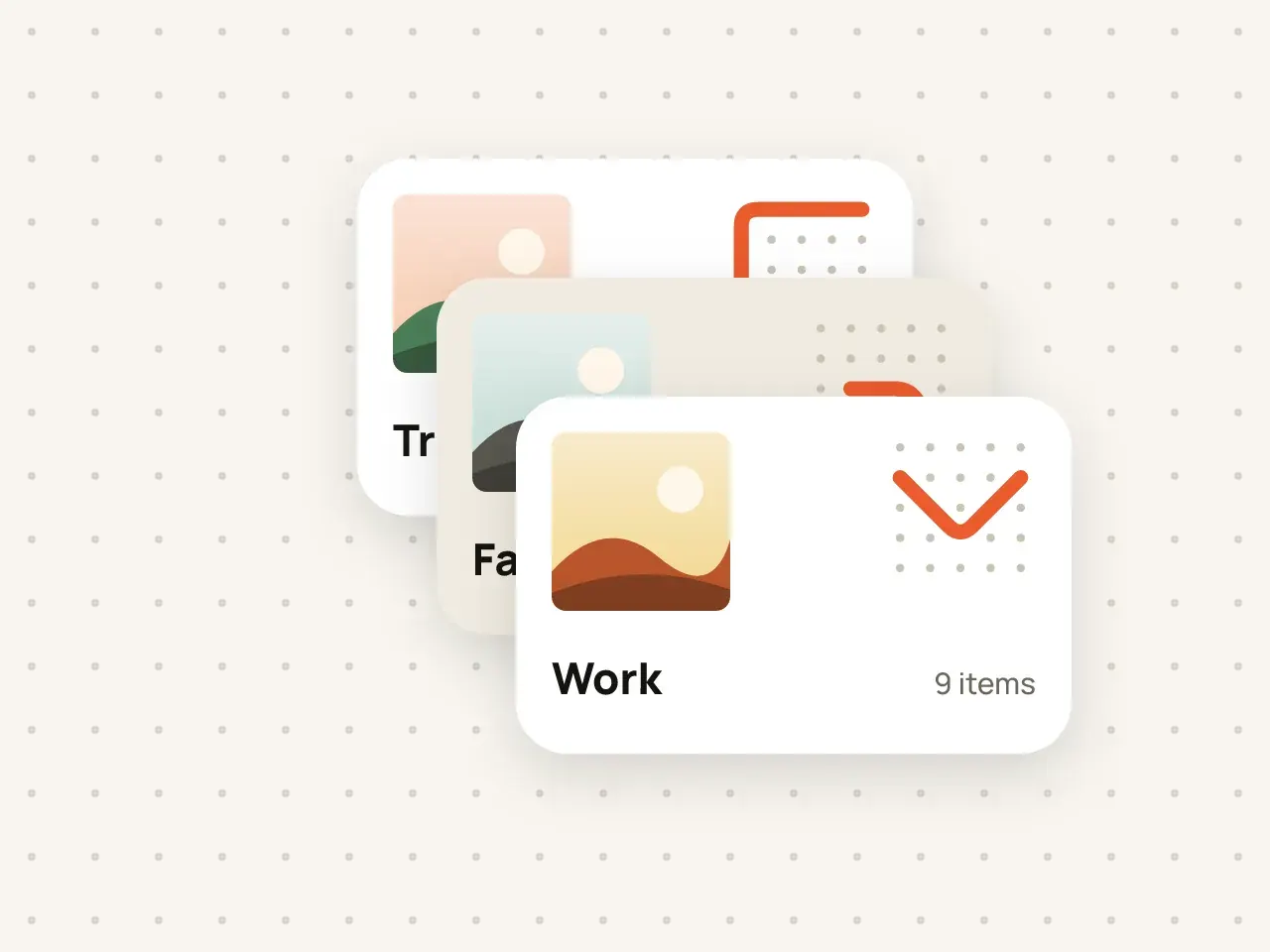
Multiple vaults
Keep work documents, family photos and personal files apart. Every vault has its own pattern and its own encryption key.
Set a second pattern for emergencies. If someone forces you to open Hidegrid, drawing it quietly erases the vault.
Free to start. No account needed.
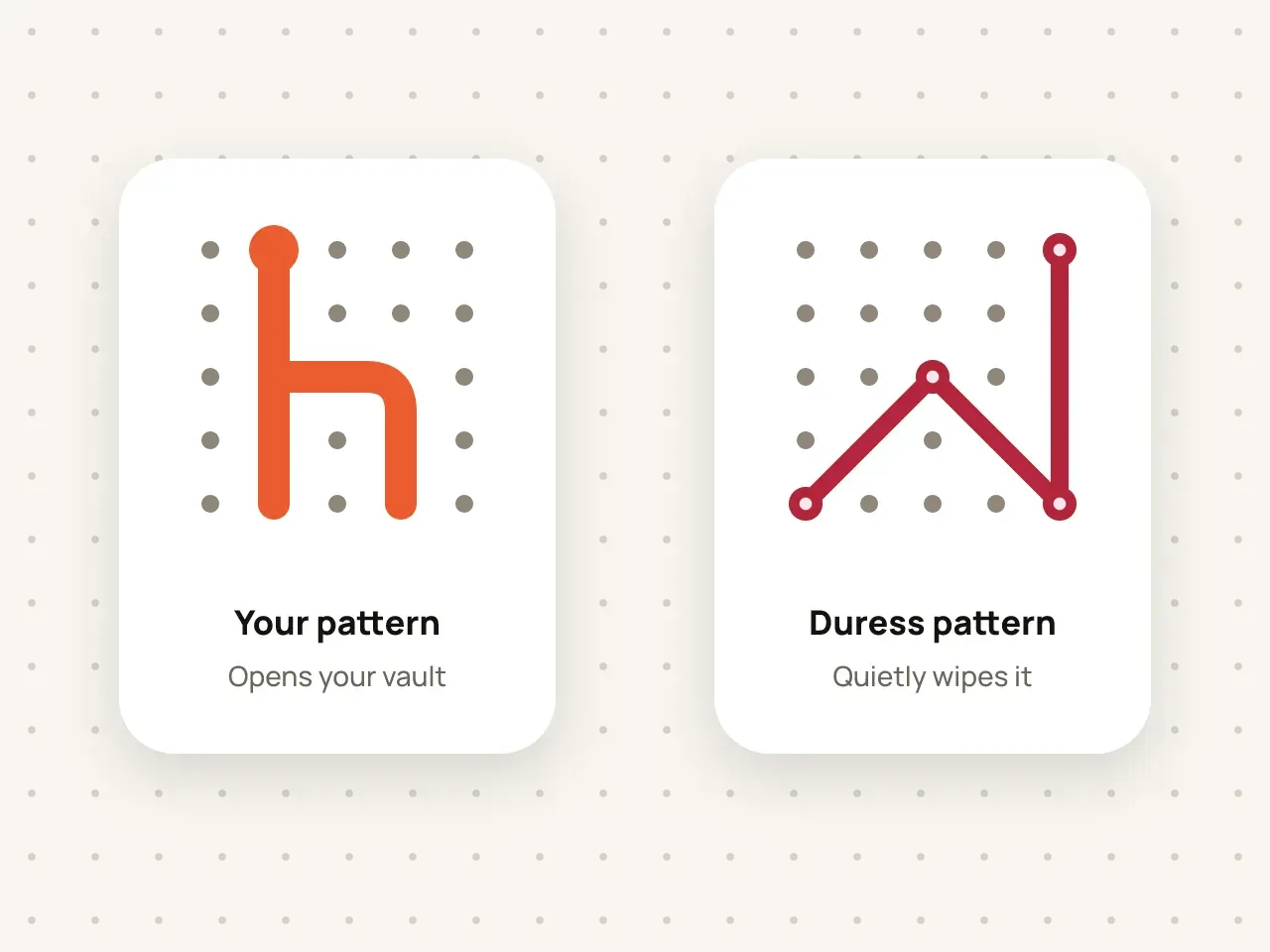
A duress pattern is a second pattern you set for a vault. When you draw it, Hidegrid silently and permanently erases that vault on the device instead of opening it. By default, it also erases the vault's iCloud backup as soon as the device is online. There is no warning or alert on screen. It is a Pro feature meant for situations where someone forces you to unlock the app.
Unlock the vault and open its settings.
Draw a pattern that is different from your normal one.
Read the warning, then draw it again to confirm.
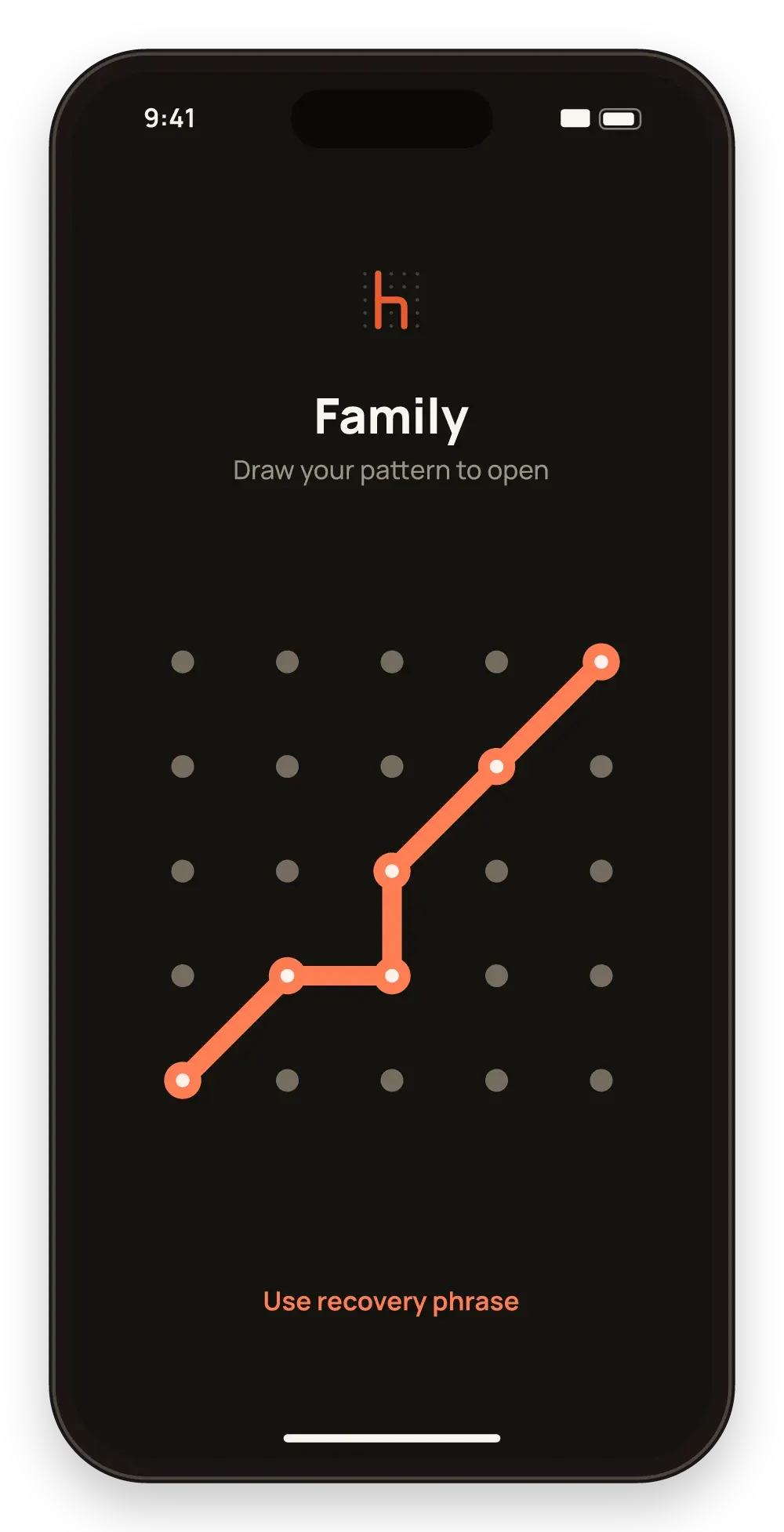
Nothing on screen shows that a wipe happened.
You decide if and when to use it.
The erase happens on the device and does not need a connection.
Erasing cannot be undone on the device. By default, the vault's iCloud backup is erased too, as soon as the device is online, and so are synced copies once sync arrives in a free update. You can change this in the Emergency erase settings. Test your normal pattern often so you never draw the wrong one by mistake.
Not from that device. If you turned off "Also delete their iCloud backup", you can restore the backup later with your pattern or recovery phrase.
The app shows no alert. A person who knows how Hidegrid works may still suspect it.
Laws differ between countries. Do not use it to destroy evidence or break the law.
Keep work documents, family photos and personal files apart. Every vault has its own pattern and its own encryption key.
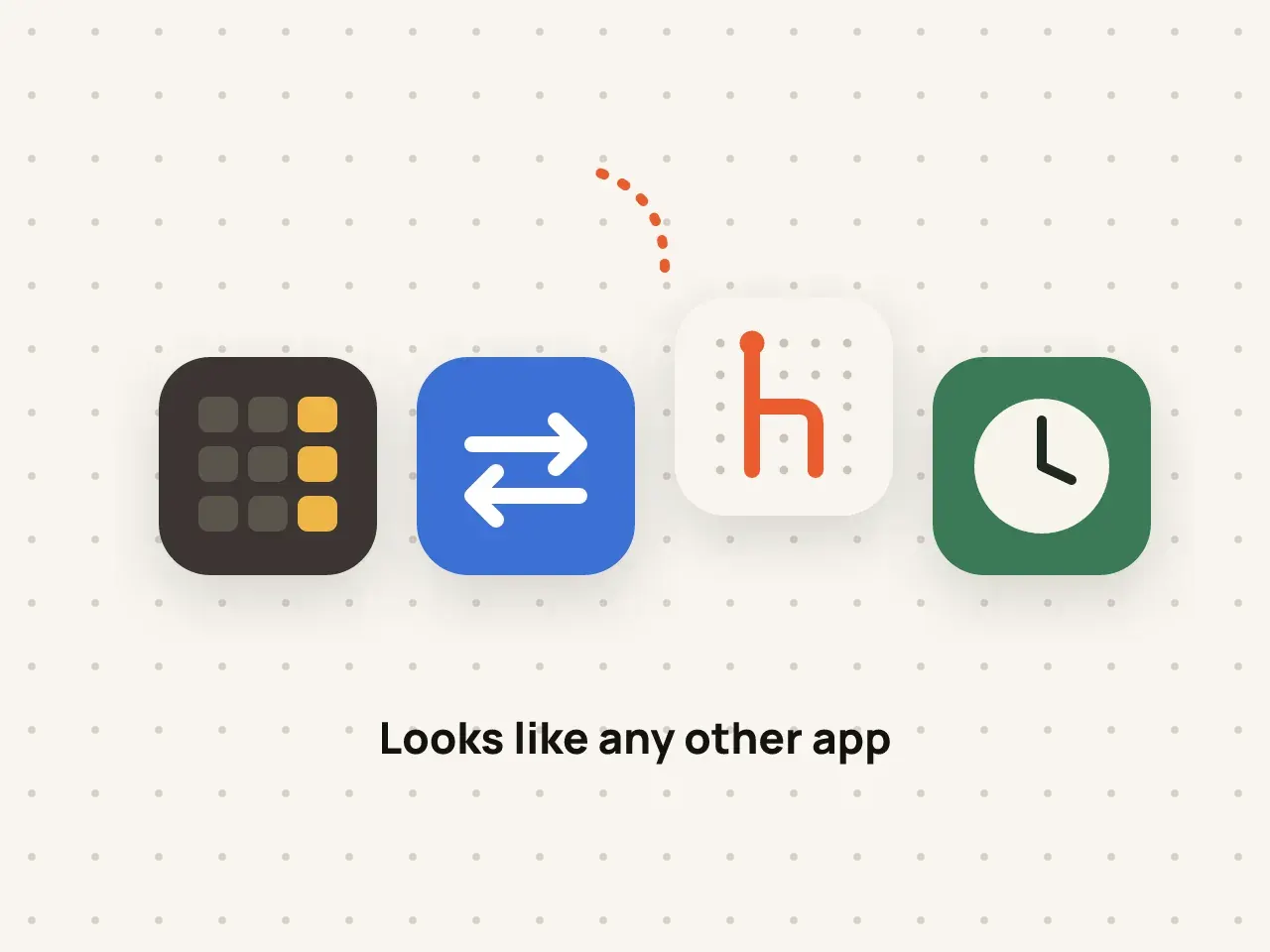
Change the Hidegrid icon on your Home Screen to a neutral design, so the vault does not stand out.
Download Hidegrid and set up your first vault in under a minute.
Coming soon to the App StoreFree to start. No account needed.